VidVertex vs Metricool
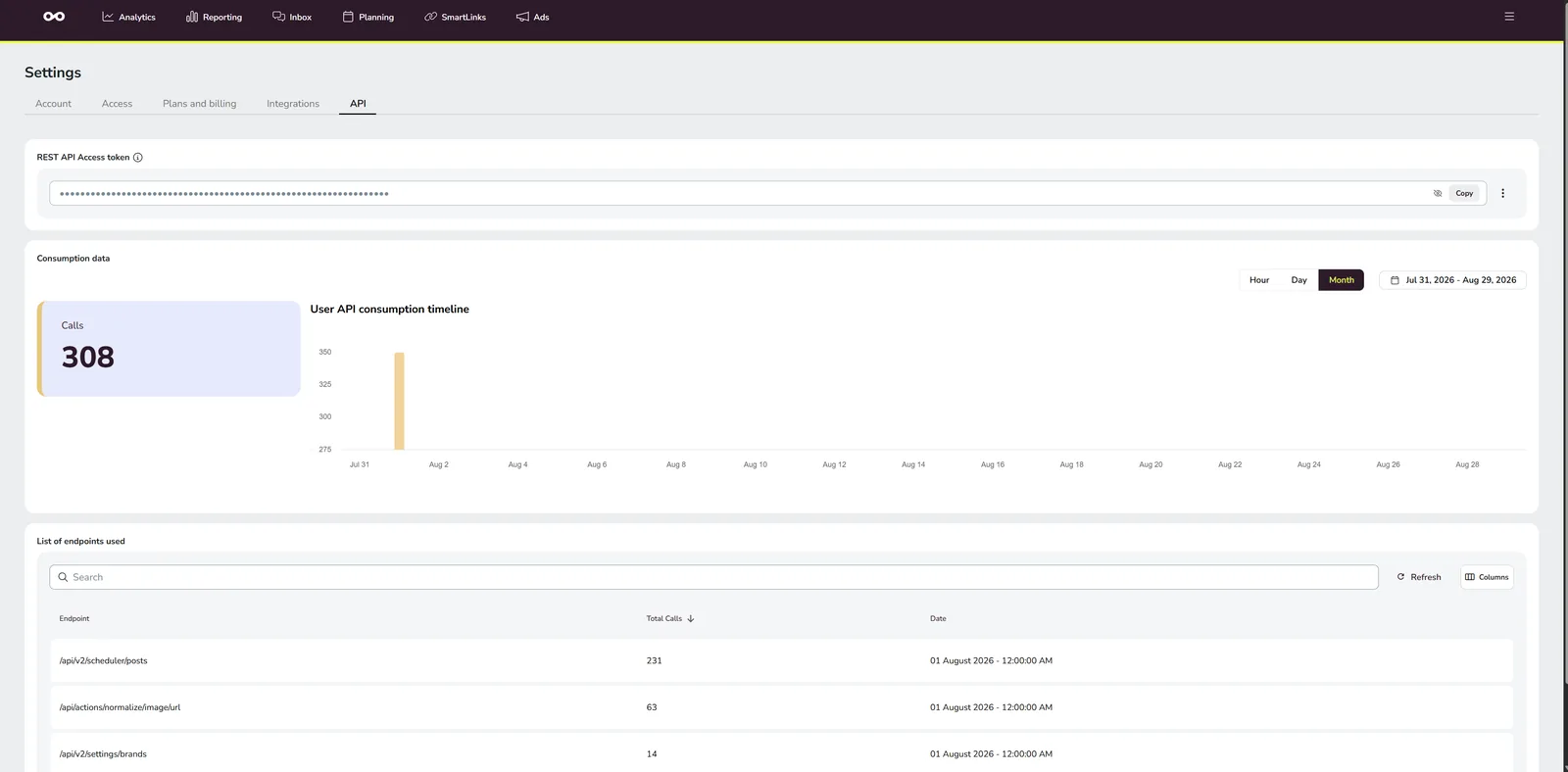
This is the one comparison where the answer is simply "both". Metricool is a scheduler and analytics suite: you bring finished posts, it plans them across brands, publishes them and reports how they did, from a free tier up to 50 brands on Advanced. VidVertex is the production step before that — one clip in, one rendered video per brand and platform out — and it feeds Metricool on two rails: the Metricool API mode posts straight into the planner, the Metricool (Drive + CSV) mode writes the bulk-upload CSV you import.
At a glance
| Metricool | VidVertex | |
|---|---|---|
| Category | Scheduler, analytics and reporting suite | Video production for many accounts |
| What it produces | Nothing — it plans and publishes what you upload | A separate rendered video per brand × platform × language |
| Pricing model | Per plan tier, scaled by brand count | Flat subscription |
| Price, 1 brand | Free (20 posts/month) or Starter from €16/mo billed yearly (€20 monthly) | €49/mo + publishing |
| Price, 10 brands | Starter up to €29/mo billed yearly (€37 monthly) | €49/mo + publishing |
| Price, 50 brands | Advanced up to €130/mo billed yearly (€172 monthly) | €49/mo + publishing |
| Free tier | Yes — 1 brand, 20 posts/month | — (subscription; the Downloader is free) |
| Runs | Browser and mobile | Windows desktop, locally |
| Analytics / inbox | Yes — its strongest side | No |
| Publishing | Built in | Straight into Metricool over its API, or by importing the CSV VidVertex writes — Zernio is the other API |
What Metricool does better
- Analytics. Per-brand reporting, competitor views, best-time-to-post, ad integrations — the best analytics value in the mid-market, and VidVertex has none of it by design.
- Price for many brands. Tiered per plan rather than per account: ten brands on Starter sits around €29 a month billed yearly. Few suites scale that gently.
- A real free tier. One brand and twenty posts a month, indefinitely — enough to run a single page seriously.
- Everywhere. Browser, iOS, Android; a planner you can fix from your phone.
- Inbox and community. Replies and comments in one place.
What VidVertex does that Metricool doesn't
- Renders the videos. Burned-in karaoke captions from a local transcription, hook openers and endcards, CTA and filler overlays, brand logo, background pools — per brand, per platform, per language.
- Makes each version distinct. Ten brands get ten renders with their own assets and a randomizer pass, not ten uploads of one file.
- Doesn't count brands. Fifty brands cost what one costs; rendering runs on your hardware.
- Keeps footage local until something publishes it.
- Covers Snapchat alongside Threads and Bluesky; Metricool has no Snapchat network, so Snapchat goes out through Zernio instead.
Use them together
This is the supported pairing, and it has two lanes:
- VidVertex renders today's clip for every brand × platform.
- Then either the Metricool API mode posts them into Metricool's planner directly (token and user id in Settings, the brand's blog id in the brand editor — Metricool's API is an Advanced-plan feature), or the Metricool (Drive + CSV) mode writes the bulk-upload CSV — first comments, cover frames and post types included — and you import it (setup).
- Metricool publishes on schedule, and stays your analytics and inbox.
Both lanes need the one-time Google Drive connection, because Metricool takes media as links rather than uploads: VidVertex puts the file on your Drive, hands Metricool the link, and Metricool re-hosts it on its own servers. In the API mode the app then deletes its Drive copy again; in the CSV mode Settings → Storage → "Google Drive uploads" lists what is safe to remove after an import.
Snapchat is the one gap. Metricool has no Snapchat network, so Snapchat is skipped in both Metricool modes — VidVertex posts those variants through Zernio if you run both.
Pricing, side by side
| Metricool | VidVertex | |
|---|---|---|
| Free | 1 brand, 20 posts/month | — (subscription; the free Downloader has no time limit) |
| Entry | Starter €16–29/mo billed yearly (€20–37 monthly), 5–10 brands | €49/month |
| Scale | Advanced €43–130/mo billed yearly (€54–172 monthly) up to 50 brands; Custom above | No brand tiers — it's flat |
| API access | On Advanced and Custom | Included — the app posts through it |
| Annual | Up to 24 % cheaper billed yearly | €39/mo billed yearly |
| Per-post fees | None | None |
Metricool prices in euros, which makes it the rare suite where the comparison needs no currency footnote.
FAQ
Is VidVertex a Metricool alternative?
No — it's the step before Metricool. VidVertex doesn't analyze, doesn't hold an inbox and doesn't replace a planner. It makes the videos your planner posts.
How do I get VidVertex output into Metricool?
Two ways, both in Settings → Upload settings. Metricool API posts the finished variants into your planner directly: paste the API token and your user id, and pick each brand's Metricool blog in the brand editor. Metricool (Drive + CSV) writes the bulk-upload CSV instead, which you import in Metricool. The API lane needs a plan with API access (Advanced or Custom); the CSV lane works on any plan.
Why does it want my Google Drive?
Because Metricool takes media as links. VidVertex uploads each rendered file to your own Drive, hands Metricool the link, and Metricool copies the media onto its servers — Drive is the transfer vehicle, never the place your posts are published from.
Which is cheaper?
They're not priced for the same work. A Metricool Starter plan plus VidVertex is the realistic stack for a multi-brand operator; the VidVertex part stays flat no matter how many brands you add on the Metricool side.
Does Metricool edit video?
No. Captions, hooks and overlays happen before Metricool sees the file.