FAQ
Short answers, no marketing. If something's missing, the docs go deeper — or ask your AI assistant; our docs are written so it can answer correctly. → /docs
Getting started
What do I need to run VidVertex?
A Windows 10/11 PC (64-bit). The installer brings everything else — ffmpeg, the caption engine, and the WebView2 runtime if it's missing. A dedicated GPU speeds up rendering (NVENC) but isn't required.
Do I need editing skills?
No. You position your clip, overlays and captions once on a visual canvas — VidVertex does the video processing. If you can arrange things on a screen, you can build a stack.
Where does my footage come from?
Anywhere: your editor's exports, your camera roll, supplier footage you have rights to — or the free VidVertex Downloader, which saves links straight into your inbox folder.
Posting & platforms
Which platforms are covered?
TikTok, Instagram Reels, YouTube Shorts, Facebook, X, Snapchat, Pinterest, Threads and Bluesky. Snapchat Spotlight goes through Zernio and needs a Snapchat Public Profile; it's not available through Metricool.
How does posting actually work?
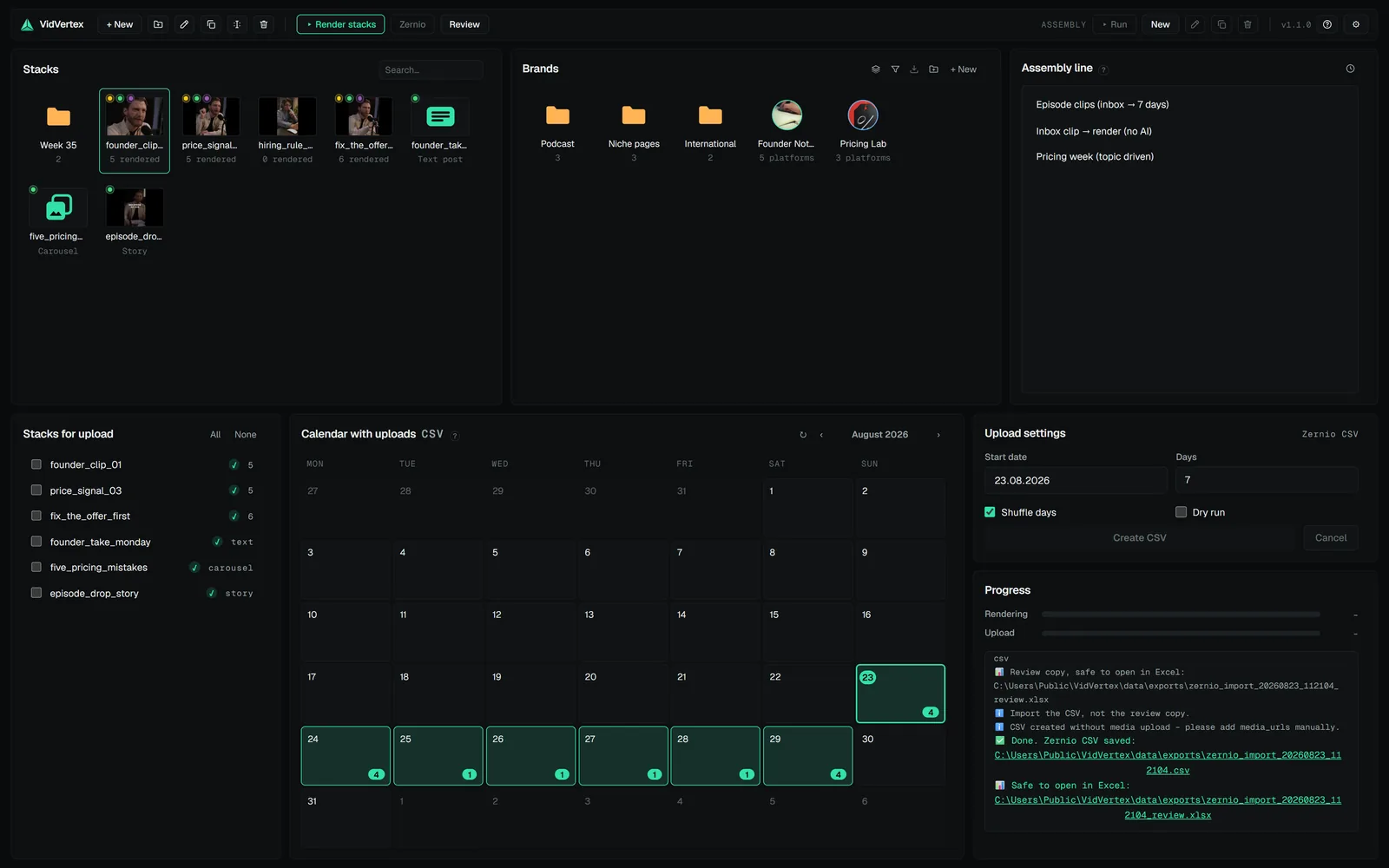
Four upload modes, named as in Settings: Zernio API (direct scheduled posting, just a key), Zernio CSV (a file for Zernio's bulk importer), Metricool API (posts straight into Metricool's planner) and Metricool (Drive + CSV) (the bulk-upload CSV for Metricool). The calendar shows everything that's scheduled and published.
Do I need a Zernio account?
For scheduled posting you need Zernio or Metricool. Zernio API is the one-key path; both Metricool modes need the one-time Google Drive connection, because Metricool takes media as links. Rendering needs neither.
Does it work with Metricool?
Yes, two ways. The Metricool API mode posts the rendered variants into your planner directly — API token and user id in Settings, each brand's blog id in the brand editor; Metricool's API is an Advanced-plan feature. The Metricool (Drive + CSV) mode writes the bulk-upload CSV instead, first comments and cover frames included, and you import it in Metricool. Both host the media on your own Google Drive so Metricool can fetch it; Snapchat has no Metricool network and is skipped in both modes.
Can VidVertex post the same file everywhere?
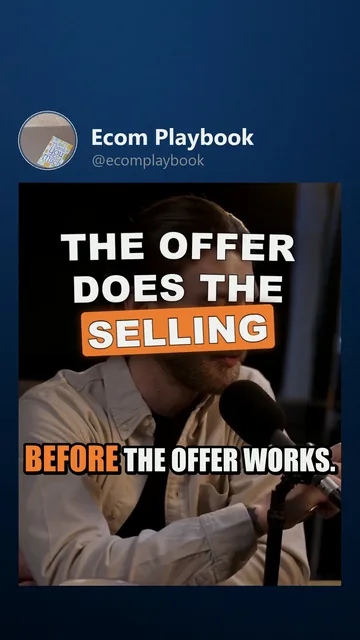
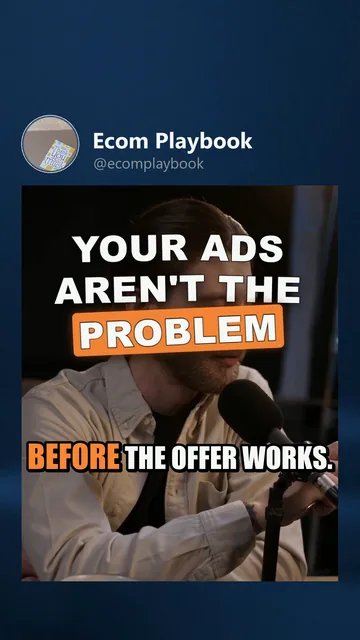
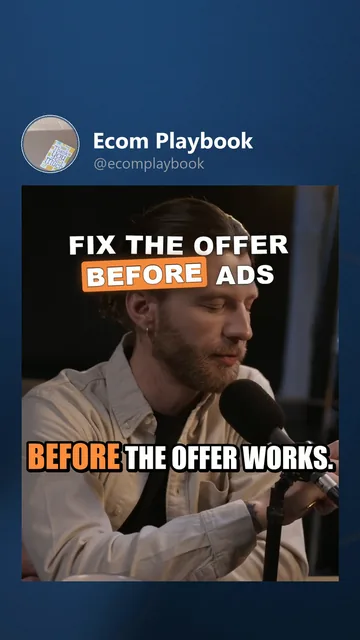
It renders a separate file per brand × platform, and the randomizer makes each one technically distinct — crop, color, fps, metadata, filename. (It changes files, not rules: post within each platform's terms of service.)
 Click to enlarge
 Click to enlarge
 Click to enlarge
Your data & AI
Where does my data live?
On your machine. Stacks, brands, footage and renders are normal local files in a folder you can see, back up and move. Nothing is uploaded except the posts you schedule.
Do the captions cost anything?
No. Transcription runs locally (Whisper) on your CPU — no API, no upload, no fee. That includes the word-timed karaoke styling.
What do the AI features need?
Your own API key (Gemini, Claude, OpenAI or any OpenAI-compatible endpoint) — used only for text generation, clip analysis, caption translation and the optional voiceover. You pay your provider directly, typically cents; every AI feature is optional.
Which languages do captions support?
Transcription supports the usual Whisper language set. Caption translation into each brand's content language is an AI feature (needs your key) and keeps the original word timing.
License & money
How many devices?
Two per license — e.g. your desktop and your laptop. Updating the app on the same machine does not use up a device.
Does it work offline?
Yes, for short stretches — three days of offline grace, then the license re-checks when you're back online.
How do updates work?
From inside the app: a badge appears when a new version exists, the dialog shows what's new, and one click downloads and installs it in place — data and license untouched, no device slot used.
What happens if I cancel?
The license runs out with the subscription and the app locks. Your data doesn't: stacks, brands and rendered files stay on your disk as normal files.
Where do I manage my subscription?
In the customer portal (invoices, plan, devices, cancel) — linked from the app's settings.
Is the Downloader really free?
Yes. No account, no license, no time limit. A simple downloader that works with every major social platform — see /downloader.
Bugs & ideas
Found a bug?
Write to bugs@vidvertex.com — what you did, what happened instead, and your app
version (shown in the window title). Log lines from logs/vidvertex.log in the
data folder help a lot.
Missing a feature?
Tell us at suggestions@vidvertex.com. A sentence about what you're trying to do is enough — short and concrete beats long and polished.