The stack editor
A stack is one piece of content and everything attached to it: the clip, its layout, overlays, captions, texts and target brands. This chapter walks the editor tab by tab: Presets, Content, Images, Video, Background, CTA, Brainrot, Watermark, Sound, Text, Title/Description, First Comment, Hook, Endcard, Captions.
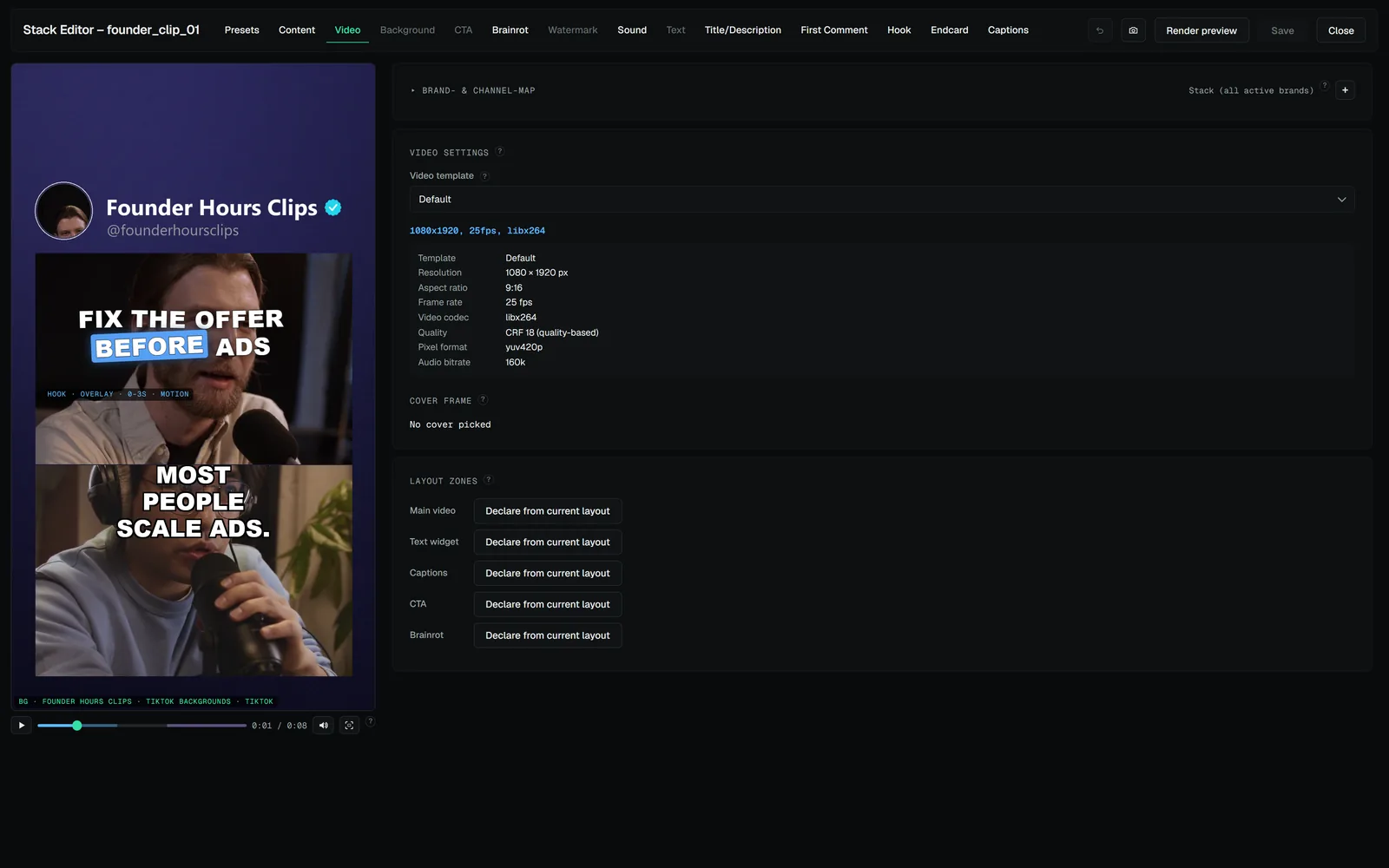
01The canvasThe canvas is a live, playable preview in the video's 9:16 frame.02Content tab — the briefing deskThe Content tab holds what the stack is about03WidgetsEach overlay is a widget with its own tab and its own canvas presence04The hook widgetThe hook is the opener — the first seconds that decide whether anyone stays.05The endcard widgetThe hook's mirror at the end: a card or blurred segment appended after the core video (before the outro clip), carrying your closing line — subscribe, follow,…06Video tab — format, zones and safe zonesOutput template — resolution, fps, codec, quality; templates are managed centrally, see Rendering & templates.07Title, description, first comment, hashtagsPost texts live on their own tabs — Title/Description and First Comment08Post types: video, text, carousel, storyA stack's post type is chosen at creation and decides what the stack is09Presets and edits from outsideThe Presets tab saves and applies stack presets: the full layout — widgets, zones, hook/endcard config, caption look, motion titles, everything except the…