Install and first download
Install
- Get
VidVertexDownloader-Setup-<version>.exefrom vidvertex.com/downloader — the free checkout asks for an email address and sends the download link there. - Run it (per-user install, like the main app) and launch VidVertex Downloader.
It's a separate app with its own window — you can run it with or without VidVertex installed. And it's genuinely free: no account, no license, no time limit.
Download something
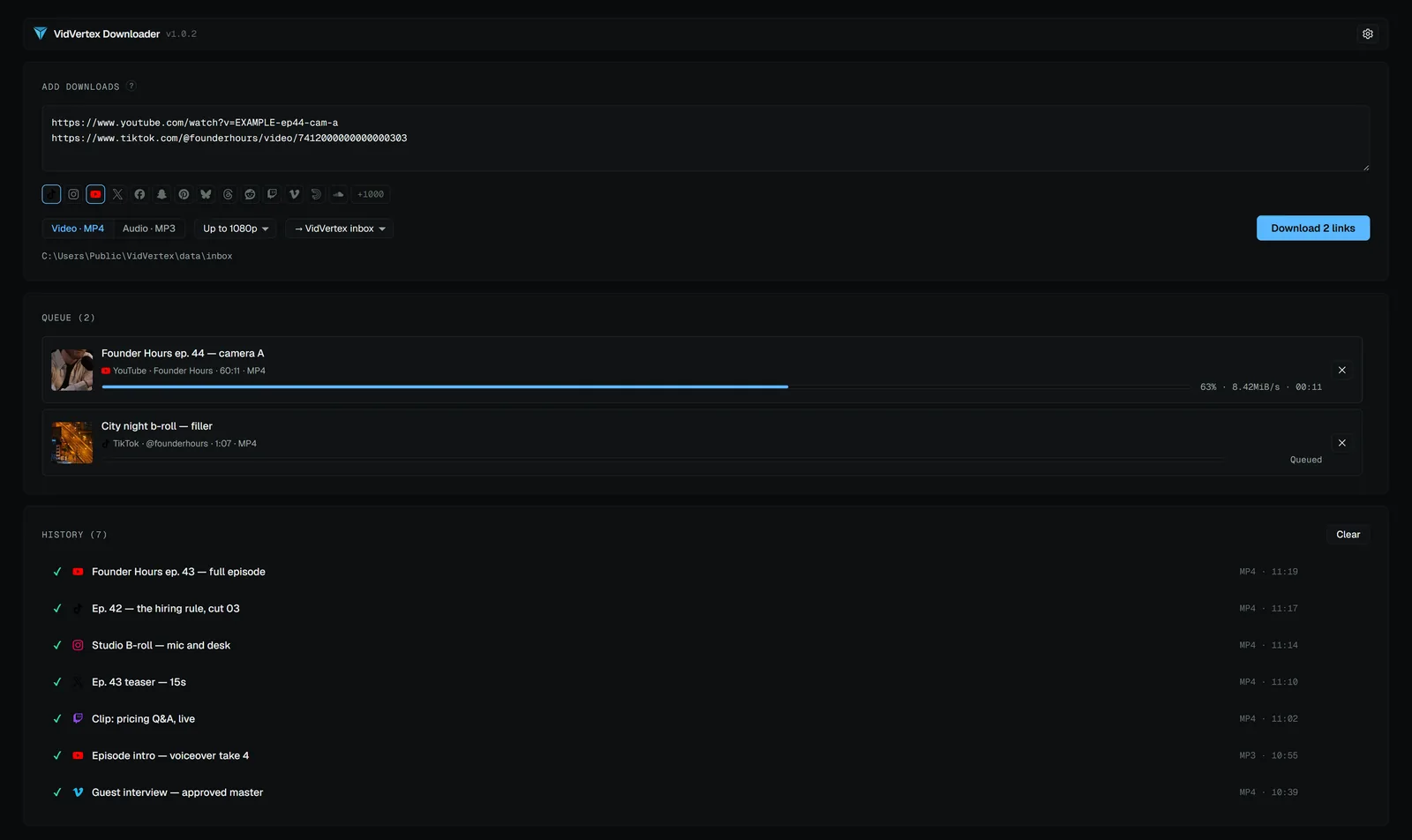
- Paste one or more links (one per line — pasting adds to the list).
- Pick Video (MP4) or Audio (MP3).
- Start. Progress shows per item; finished files get clean names.
Works with all the major video and social platforms. Downloads can be cancelled mid-run.