Create your first brand
There are two ways to get a brand: import it from Zernio with its accounts already connected, or create it by hand and enable its platforms yourself.
- From Zernio (the fast one): paste your Zernio API key under Settings → Upload settings, then use Import Zernio profiles in the Brands panel — one brand per Zernio profile, accounts already connected.
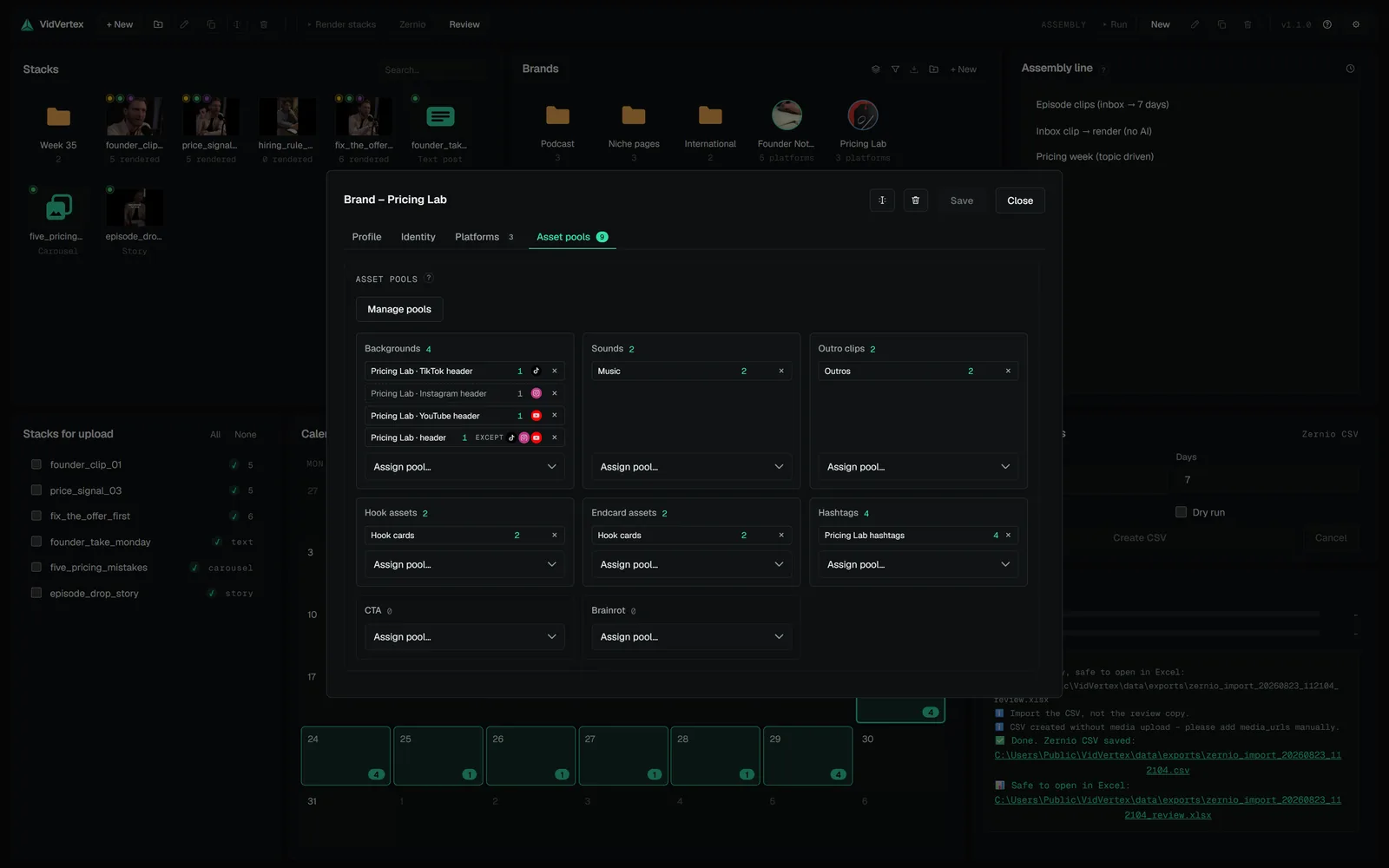
- By hand: create a brand in the brand pool — name it like the page (say,
founder-hoursfor a podcast clipping page) — and open it. On the Identity tab set a logo if you have one — it doubles as the watermark on renders. On the Platforms tab enable the platforms this brand posts to.
Skip everything else for now — asset pools, caption looks and languages are covered in Brands & platforms.
TIP
One or two platforms are enough for the first run. Every platform you enable is another variant to render, and the rest can be switched on in the brand editor at any time.
RELATED · GETTING STARTED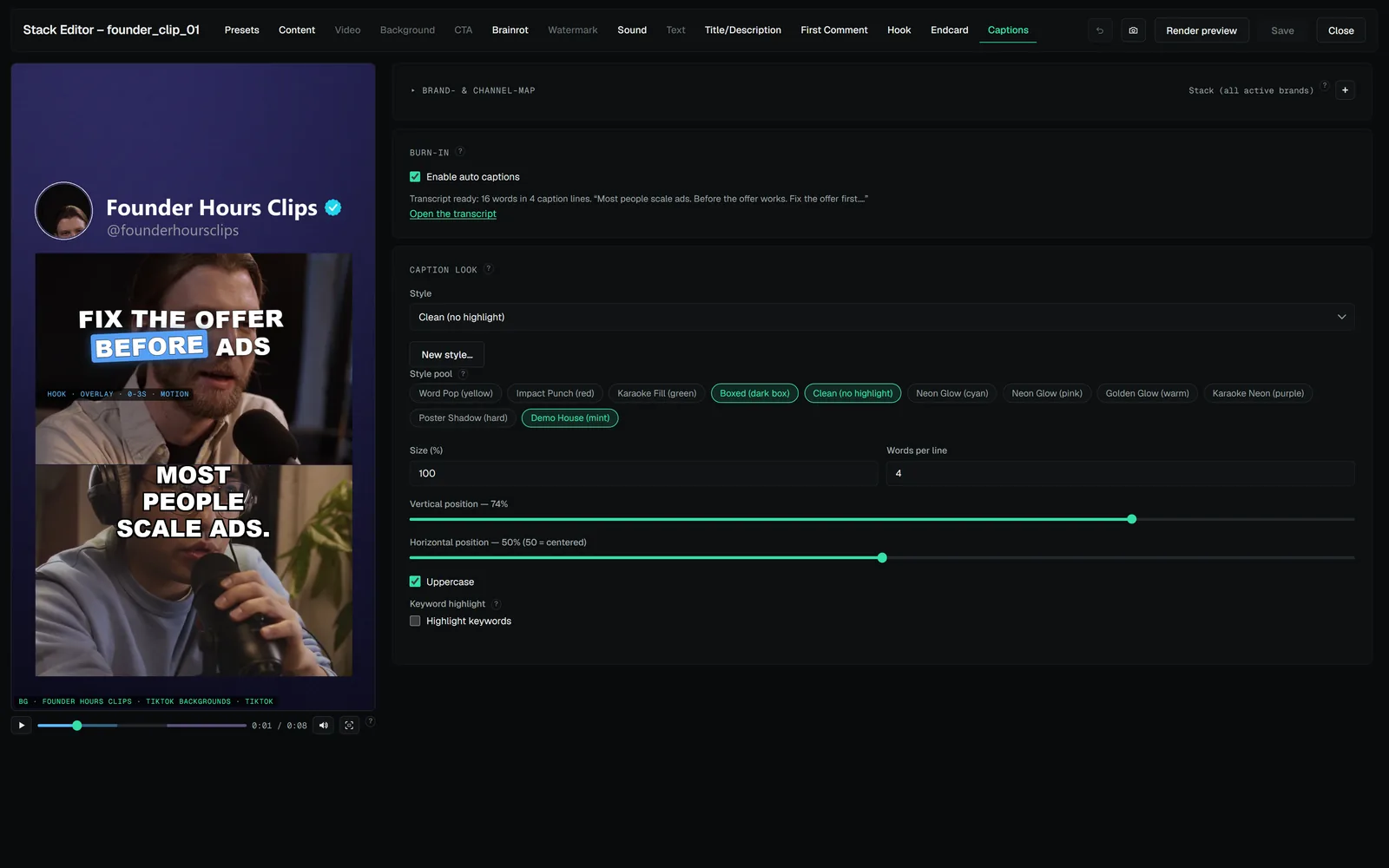 DOCS · GETTING STARTEDBuild your first stackA stack is one post's layout: the clip, what sits around it, the captions and the hook.DOCS · GETTING STARTEDRenderBack in the hub, select your stack and start the render.
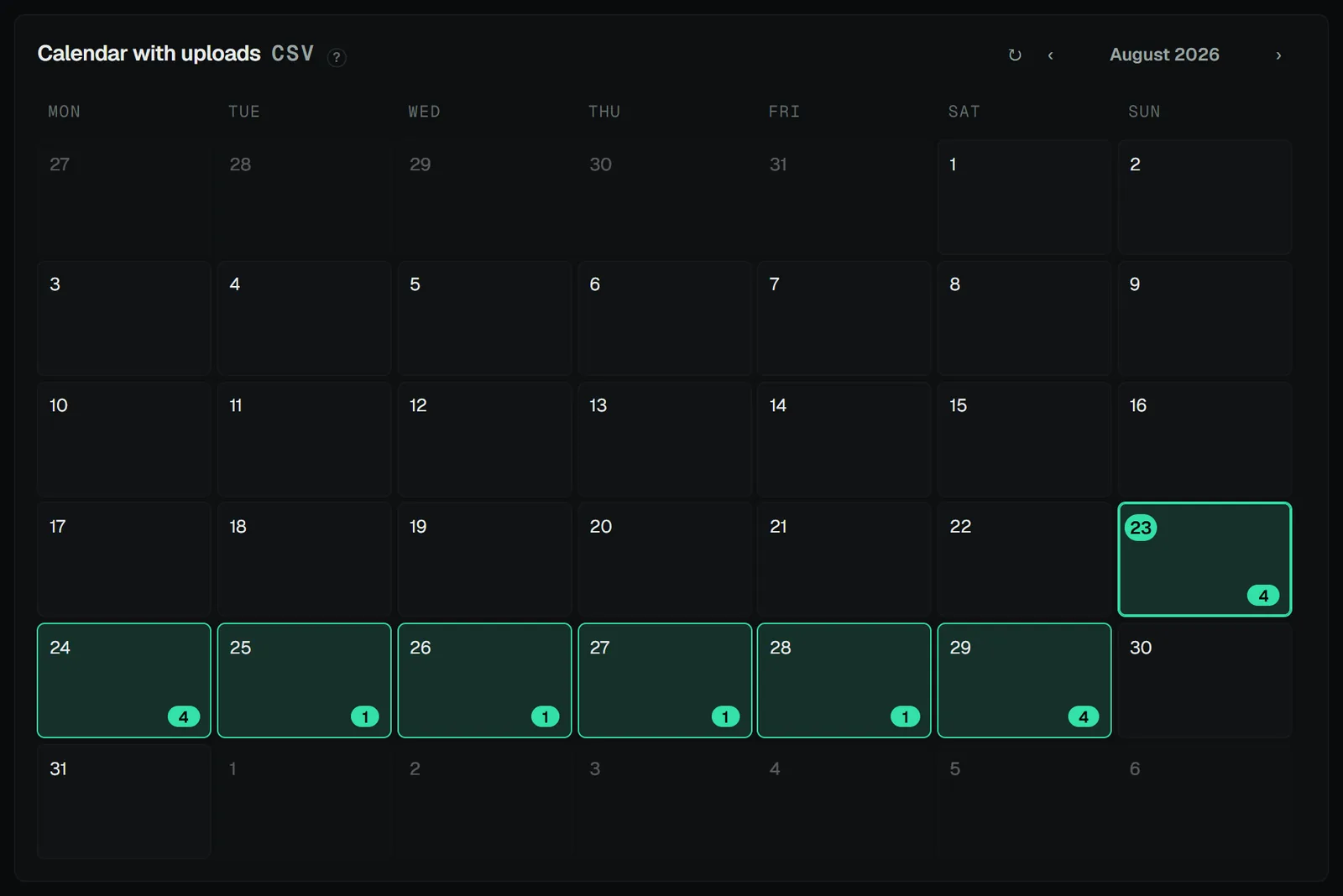 DOCS · GETTING STARTEDPost itFour upload modes: Zernio API, Zernio CSV, Metricool API, Metricool (Drive + CSV).
DOCS · GETTING STARTEDBuild your first stackA stack is one post's layout: the clip, what sits around it, the captions and the hook.DOCS · GETTING STARTEDRenderBack in the hub, select your stack and start the render.DOCS · GETTING STARTEDPost itFour upload modes: Zernio API, Zernio CSV, Metricool API, Metricool (Drive + CSV).