Connecting
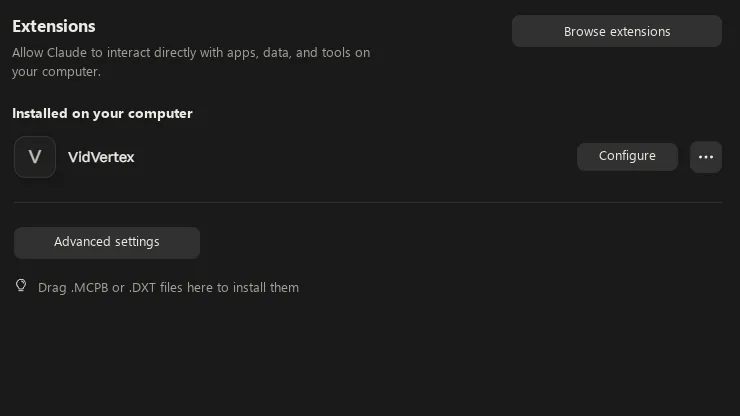
Claude Desktop and Cowork install a one-click extension (.mcpb) exported from
Settings → Integrations; Claude Code and Codex register one command; any
other MCP client launches VidVertex.exe --cli mcp. The Integrations page
shows who is connected right now. Full walkthrough:
Connect VidVertex to Claude.
Claude DesktopClaude CoworkClaude CodeCodex
NOTE
Tool calls that do work — create, render, schedule — require a valid license, exactly like the app.