The inbox
The inbox is a watched folder — the file interface between VidVertex and anything that produces footage:
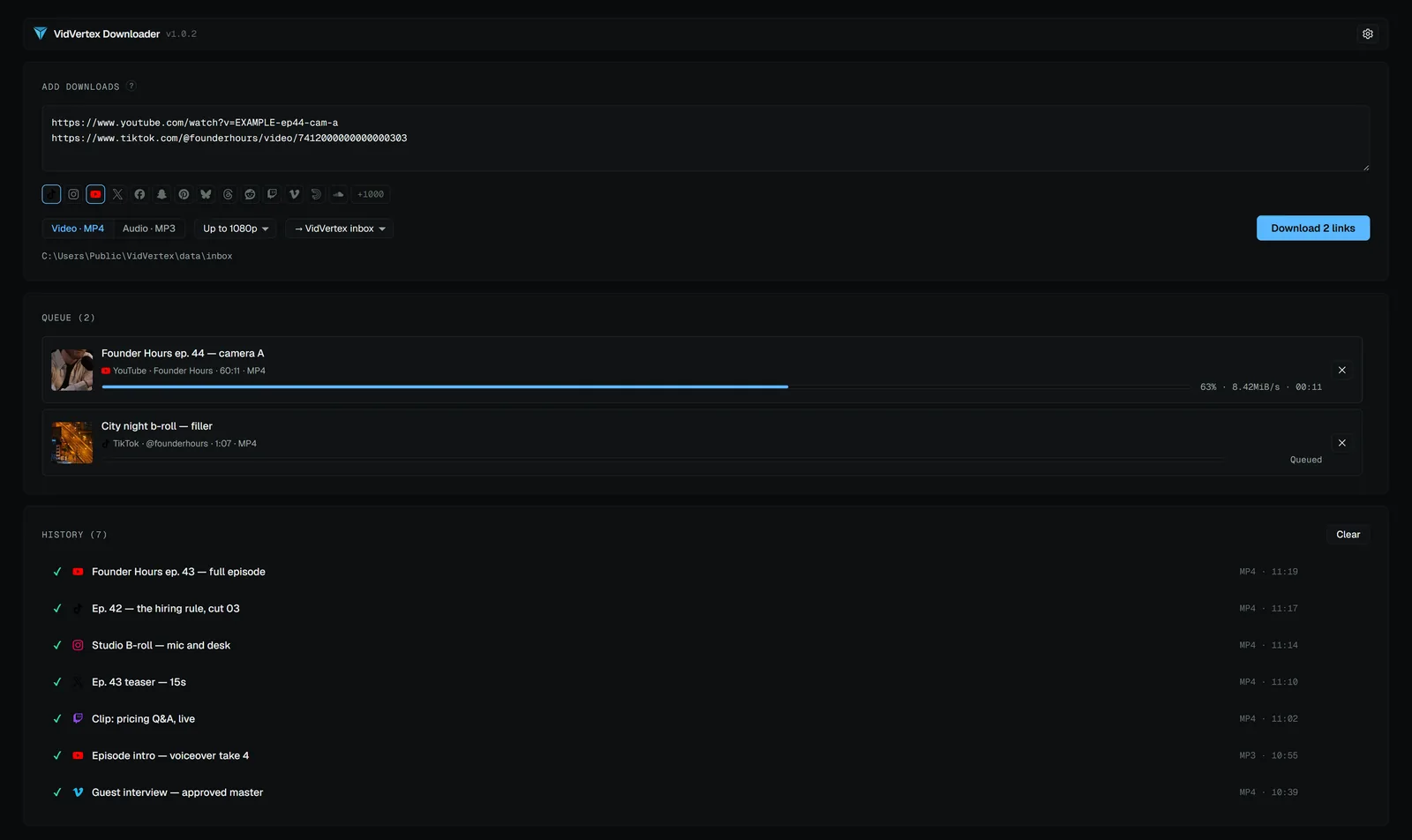
- Default location is inside the data folder; change it in Settings → Preferences.
- The free VidVertex Downloader saves straight into it (see Downloader) — but any tool or manual copy works.
- The assembly line's "main from inbox" picks the newest unused file, marks it consumed (files are never moved or deleted), and the next run takes the next one. An empty inbox stops the run with a clear message.
Assistants read the same folder: over MCP, find_clips lists what is waiting
and assign_media takes the newest unused clip — see
Agent control.