The calendar and upload history
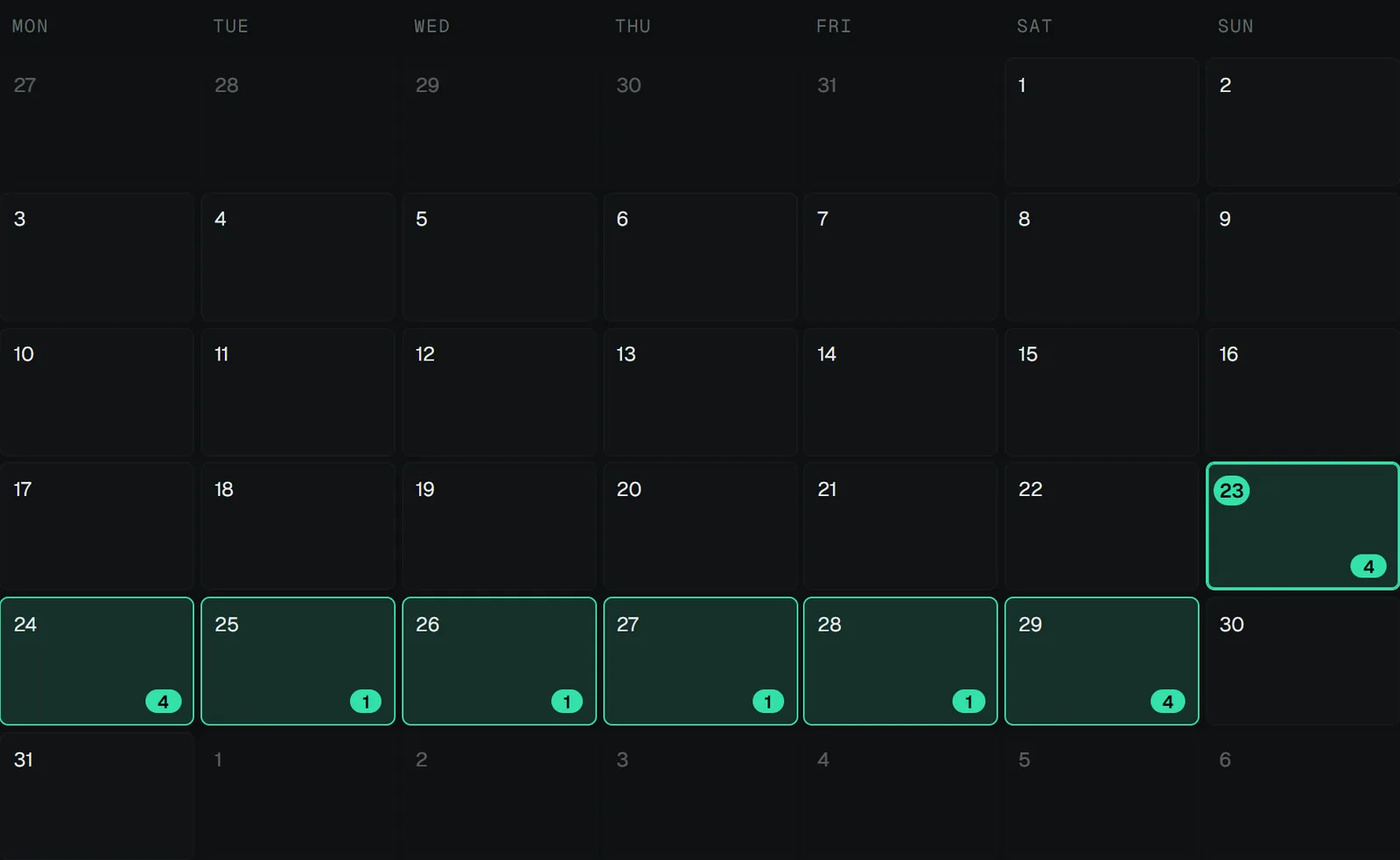
The calendar
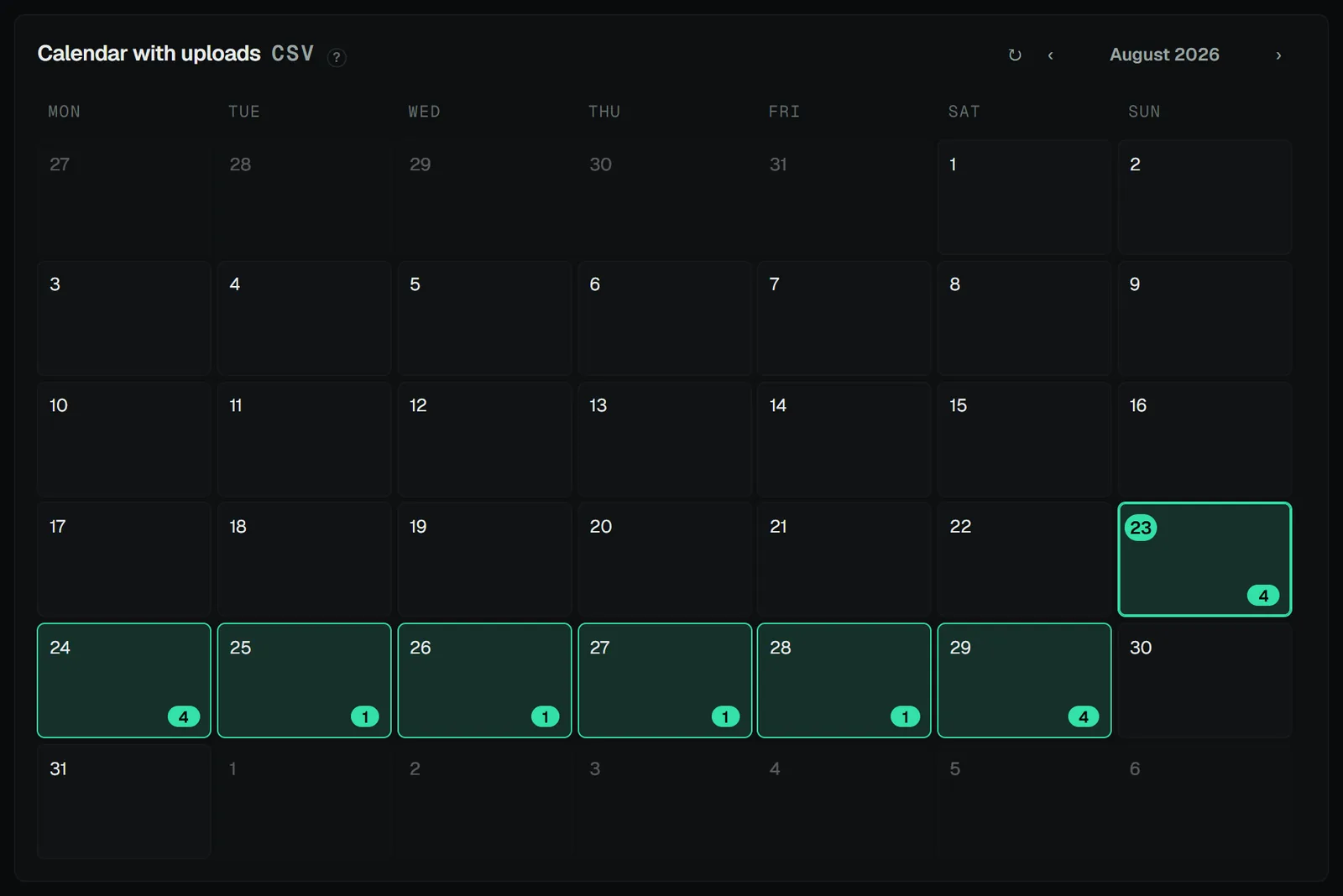
The Calendar page shows the month per brand and platform: scheduled and already-published posts, each with the status its source reports — including the ones that failed. Where they come from follows the upload mode, and a badge on the panel names it: Metricool's planner in the Metricool API mode (times as the planner shows them), your Zernio account whenever a Zernio key is configured, and the newest CSV export as a fallback when neither can answer. Days with real posts draw solid; the projected upload window draws as a dashed outline. Clicking a day moves the upload start date there; a day with posts opens its list, and a post that can be traced back to its stack opens that stack in the editor.
Statistics
The chart icon in the calendar's head opens the Statistics screen: how your brands perform, live from Metricool and Zernio. Where both report the same brand and platform, the Metricool numbers are used and nothing is counted twice; Zernio covers everything Metricool does not report, Snapchat included. One filter row drives everything on the screen: the period (7, 30 or 90 days, this or last month, or a custom range), the brands (any number at once, or a whole hub folder with one click) and the platforms.
Two kinds of numbers, and the screen says which is which everywhere:
- Posts published in this period — the lifetime numbers of the posts that went out in the period, added up: posts, views, interactions (likes, comments, shares, saves) and the engagement rate. The one basis both services share, so it is sortable per post.
- Your accounts — what the accounts got on the days of the period, every post counting however old it is: the views received per day and the follower count with its change.
Below the tiles: a daily chart (a metric picker with the same two groups; a total, or broken down by platform, brand or folder; click a bar to list that day's posts), a brand table and a platform table (click a row to drill in; the M/Z badges name the sources) and the post table with thumbnails, per-post metrics, watch time where the network reports it and a Stack › button ("Open stack") for every post that can be traced to its stack. The engagement rate is computed the same way for every network — interactions ÷ views × 100, reach as the fallback base — because the services' own rates use different bases.
The screen opens on the last snapshot and refreshes behind it. The numbers come from a 15-minute cache; the refresh button fetches live. The calendar's day list reuses that snapshot — a published post shows its views, likes and comments right there.
Upload history
Every upload attempt is logged per stack: file, brand, platform, timestamp, mode, result, post reference. That log powers duplicate detection and answers "did this already go out?" a month later.
Assistants go one step further: an MCP upload run skips a task whose exact file or text already went to that stack × brand × platform and reports it as skipped, unless duplicates were allowed explicitly. The hub, the command line and watch-folder jobs keep warning only — you decide.