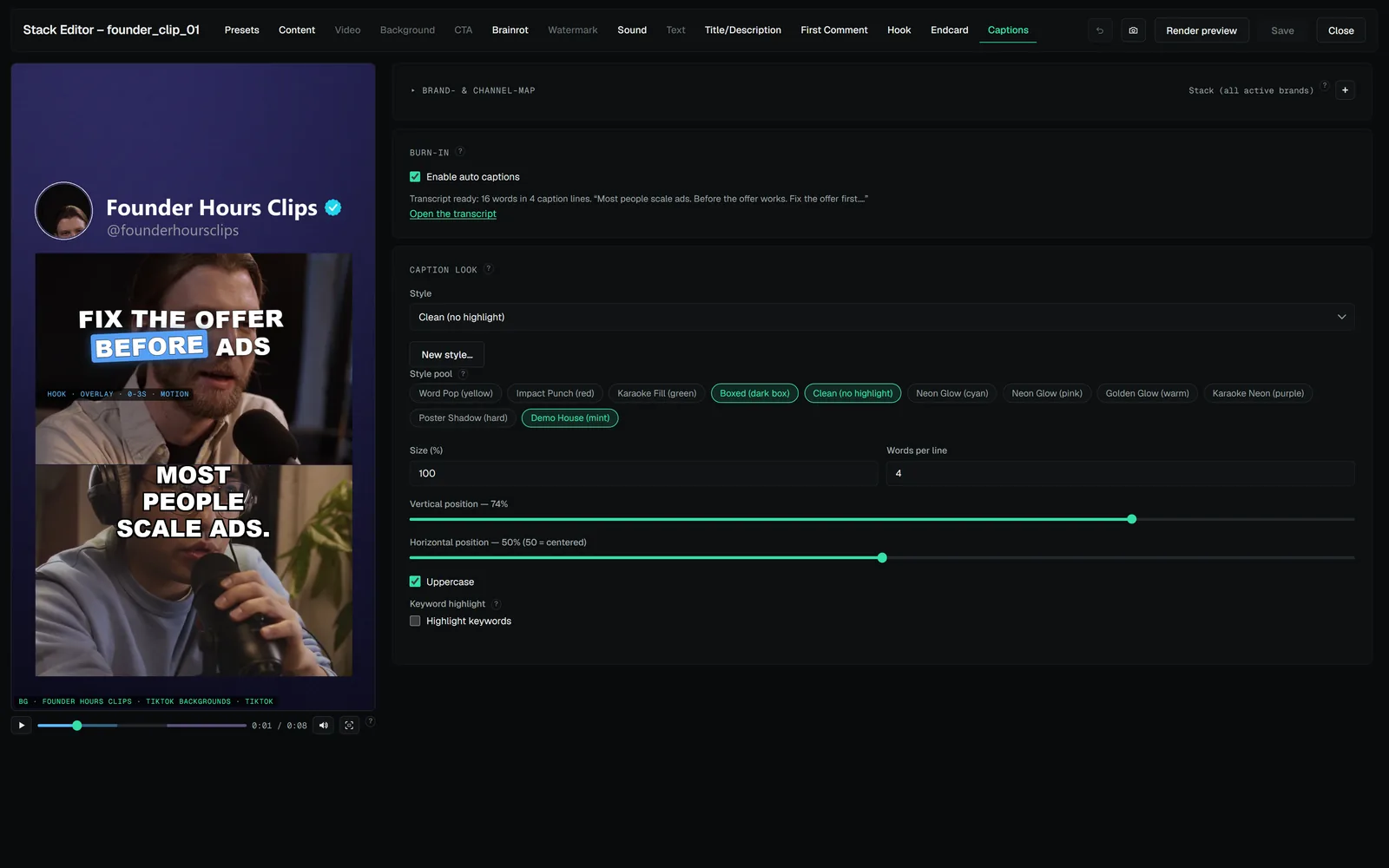
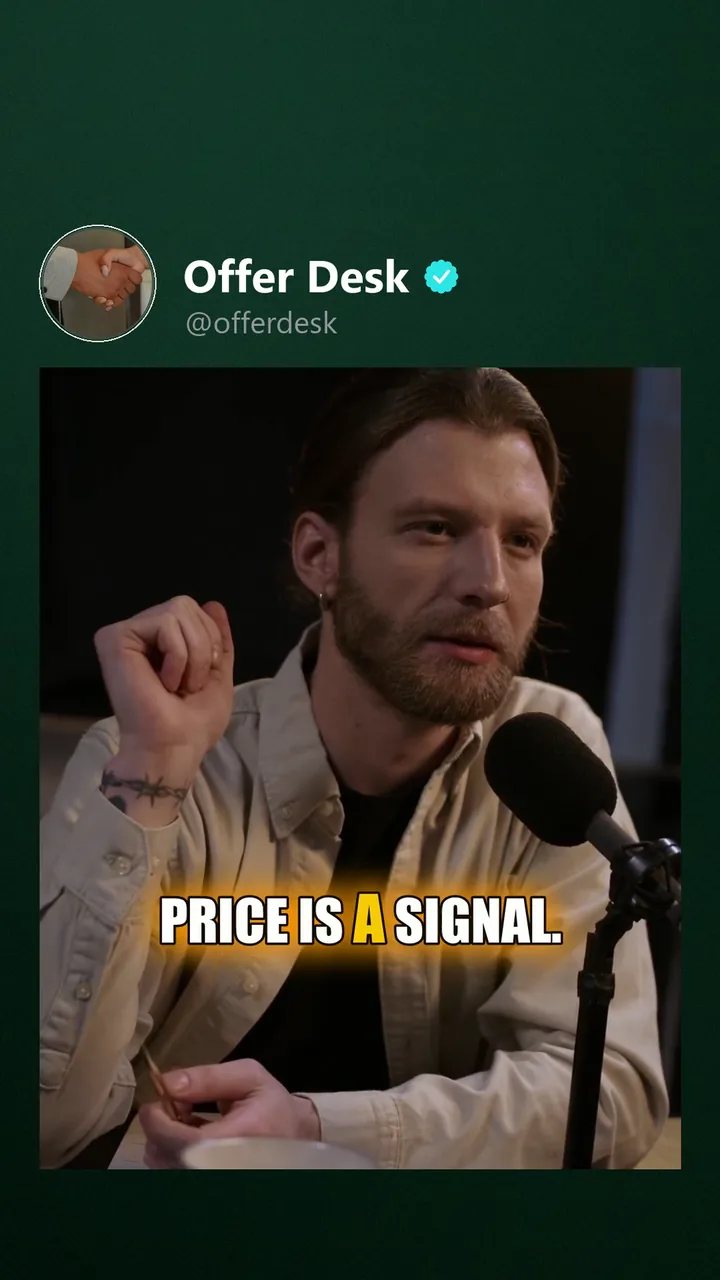
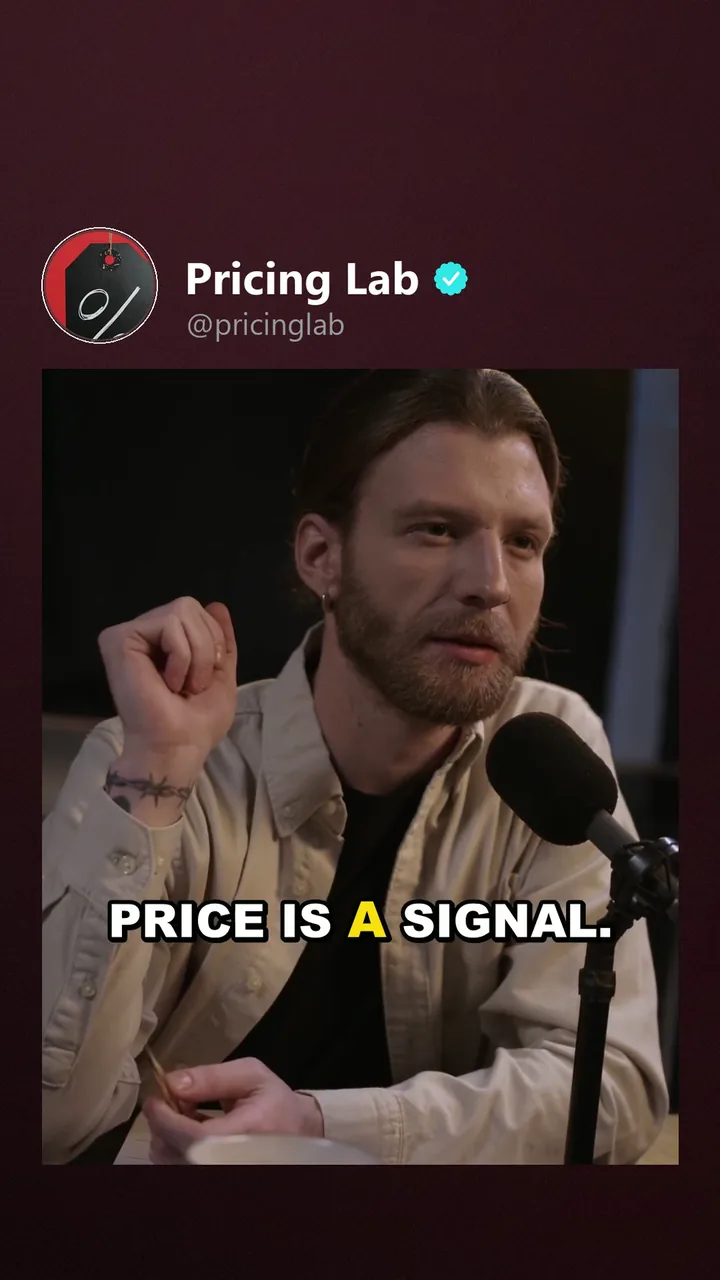
- Built-in presets cover the common looks — clean, bold, outlined, glow — with three highlight modes: the spoken word highlighted, karaoke fill, or no highlighting.
- Custom styles: build your own (font, colors, outline, glow, casing) in the caption style editor; custom styles live alongside the built-ins and can't overwrite them.
- Per-brand looks: a brand can pin a style and/or override its colors. The pin is the default for stacks that don't choose a style; a style set in the stack editor wins. Color overrides recolor whatever runs.
- Style pools: a stack can carry several styles and rotate them across variants, same as asset pools rotate.
The three highlight modes as they render — golden karaoke fill, yellow word-pop, mint glow:
 Click to enlarge
 Click to enlarge
 Click to enlarge
Keyword highlight
Switch on keyword highlight and the content words of the transcript — numbers, names, loaded terms — stay colored in the brand's accent for the whole line, while the spoken-word highlight still moves over them. Keywords are picked by your AI provider when a key is configured (validated against the transcript, so nothing invented can be highlighted) and by a built-in heuristic otherwise. Fails soft: no keywords means plain captions.