Settings & maintenance
Where the app keeps its data, how it updates itself, and the housekeeping pages. Everything here lives under the Settings button in the hub.
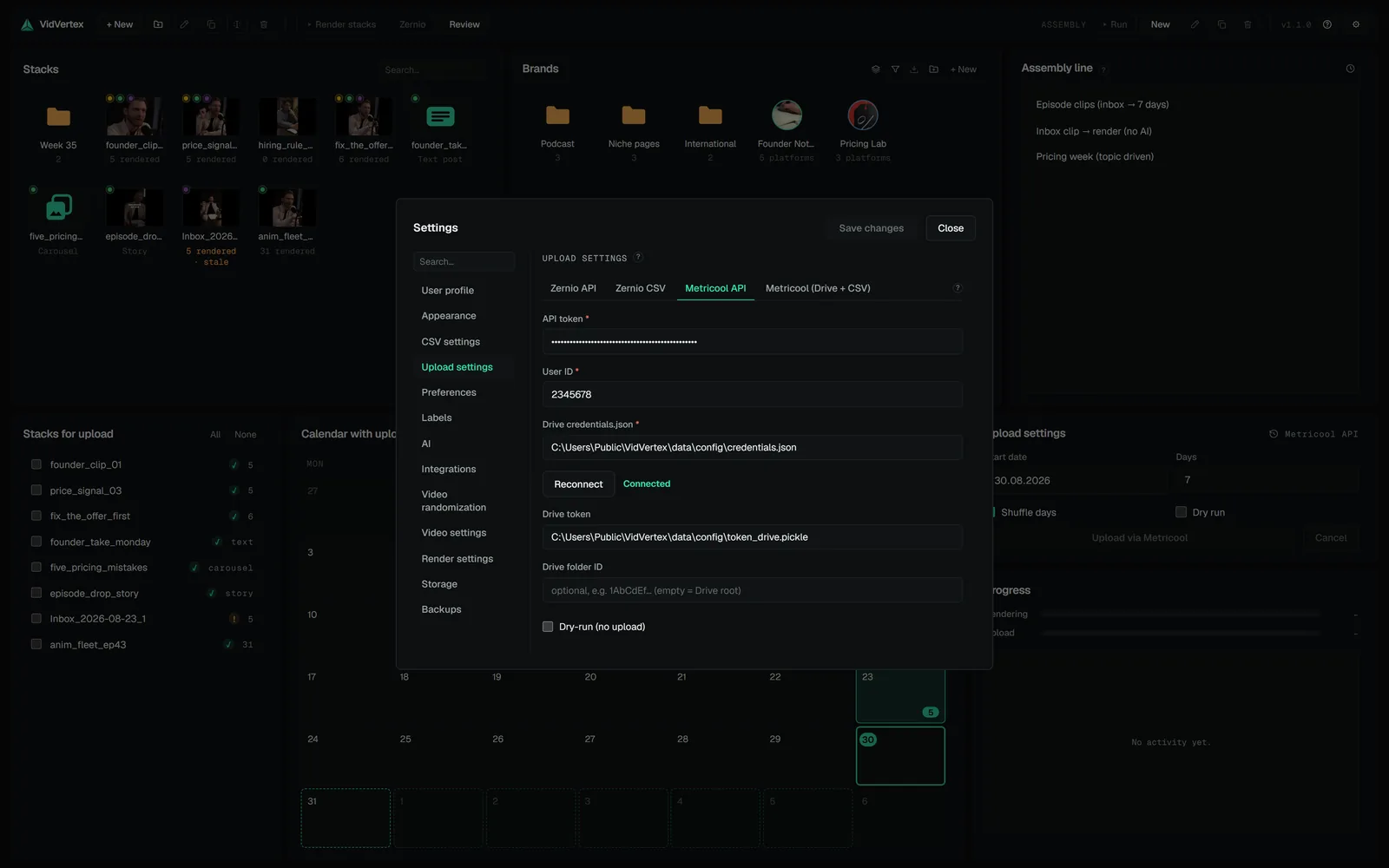
01User profileYour license: plan, status, the customer portal link (invoices, cancel, devices) and device deactivation.02Appearance and preferencesTheme: Dark, Light, or System.03Upload, AI, CSV settings and labelsUpload settings carries the four upload modes as tabs — Zernio API, Zernio CSV, Metricool API and Metricool (Drive + CSV) — with the keys, IDs and output paths…04IntegrationsConnecting AI assistants: the one-click extension for Claude Desktop and Cowork, the command for Codex, and a live line naming who is connected right now.05Video, render and randomization settingsOutput templates (resolution, fps, codec, quality — the built-in Default can't be deleted) and the render options: the active encoder and its status (GPU or…06Storage and backupsDisk usage shows what the caches (preview proxies, voiceovers, motion titles, logs) occupy, Rendered videos what every stack's outputs take.07The help menuThe "?" in the hub toolbar: Contact support (opens your mail app), Open log folder (the data folder's logs/), Software updates.