Pre-flight checks
Before anything goes out, VidVertex shows a summary of everything it noticed:
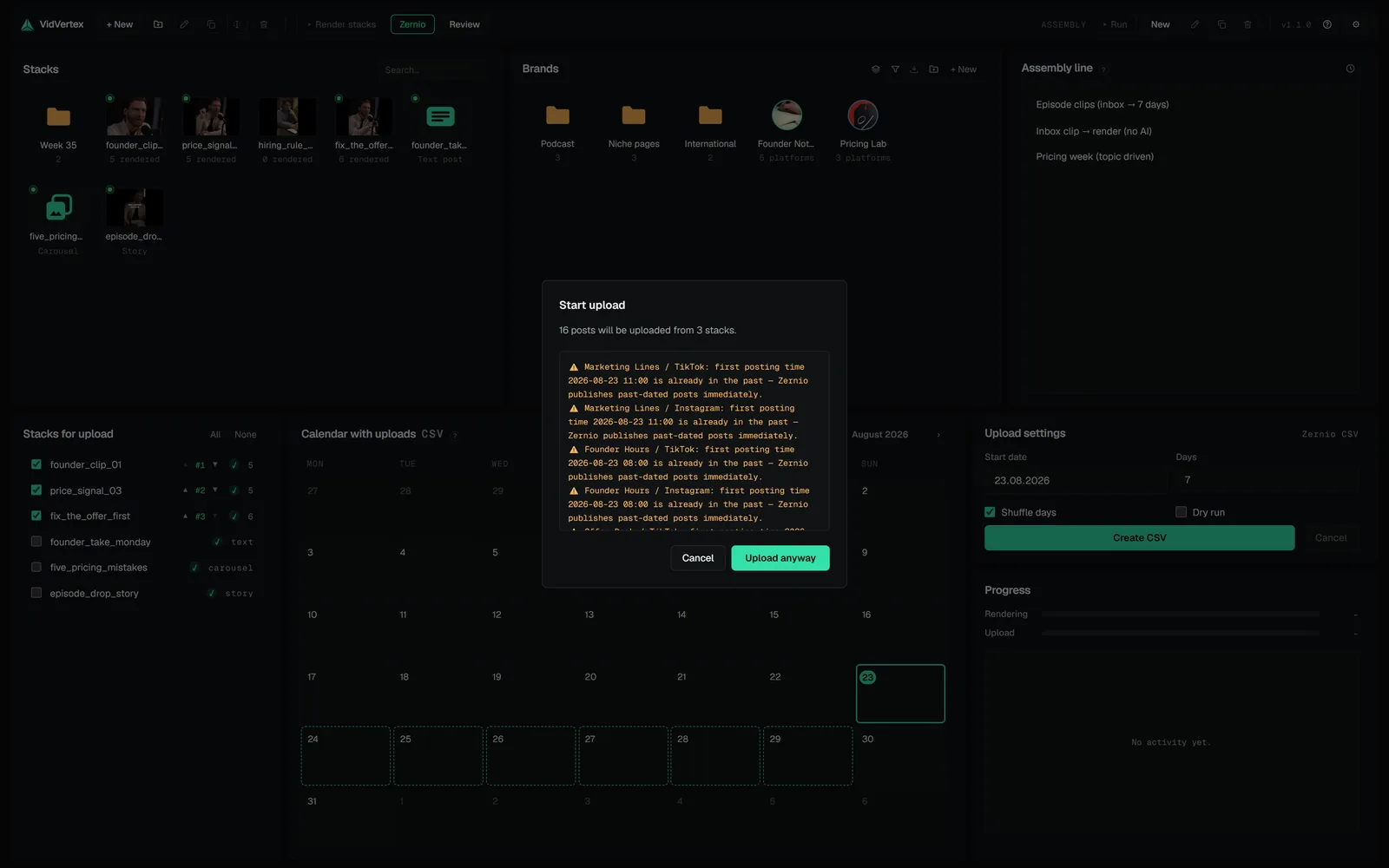
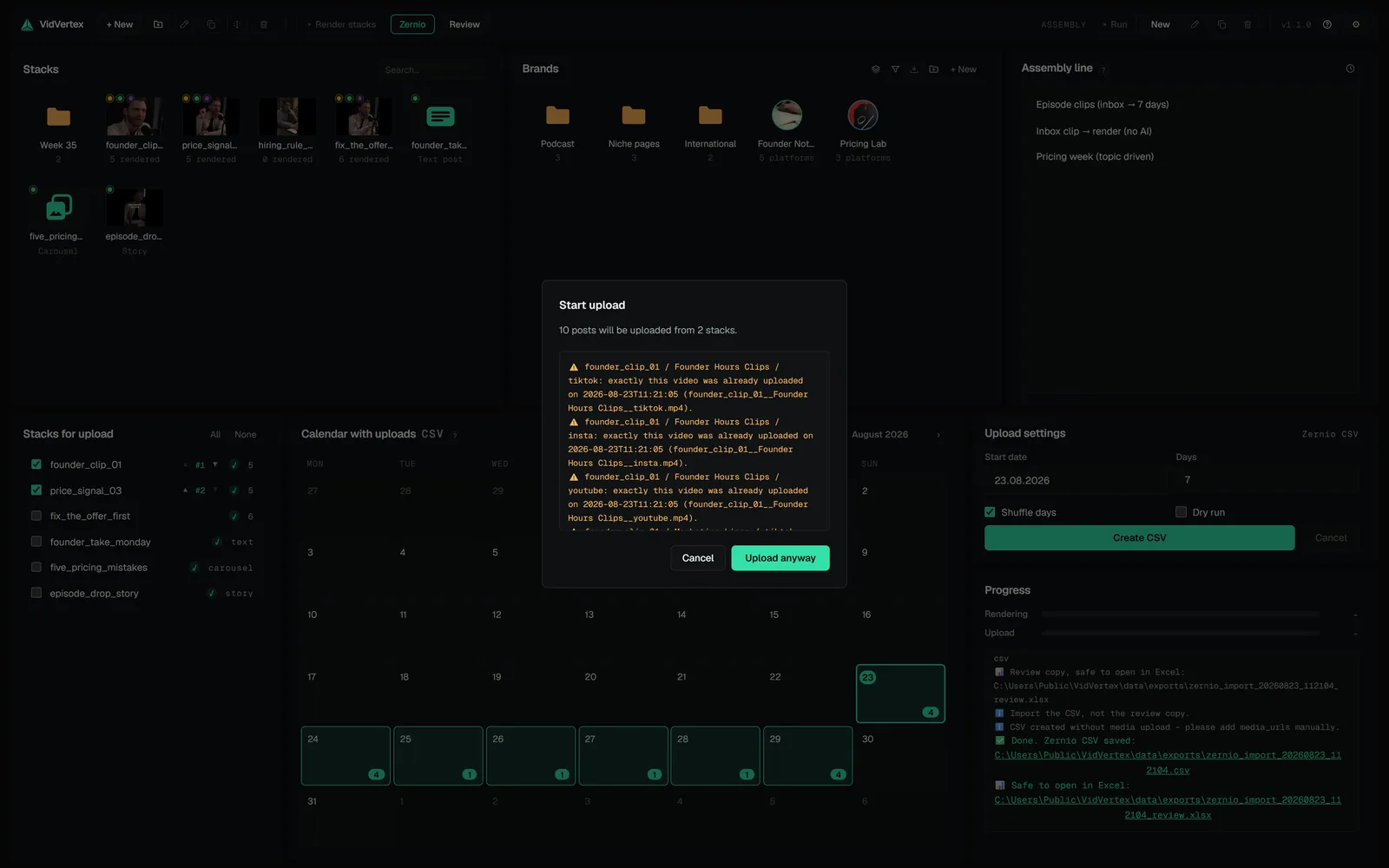
- Duplicate warnings — "this file (or this exact text) already went to this account on …". Powered by the per-stack upload history.
- Platform limit warnings — duration or file size outside a platform's conservative limits, including a Snapchat Spotlight description longer than the 160 characters Snapchat shows.
- Post type skips — a platform that can't take the stack's post type is skipped and named here ("YouTube skipped — no text posts there").
- Past posting time — a first-day time that already passed. What that means follows the mode: Zernio publishes a past-dated post immediately, Metricool rejects it.
- Hook language gap — a brand whose content language has no hook or endcard pool, so its variants carry the flat list, possibly in another language.
- Variance cut — more stacks in the batch than the window has days, so each brand posts its own subset instead of all of them.
- Images cut — a text post carrying more images than the platform takes (X and Bluesky four, Threads and Facebook ten).
NOTE
The Metricool modes add two checks of their own.
- Google Drive space — the batch's media doesn't fit the free space on the connected Drive.
- Channel not connected — the brand's Metricool blog has no account for that network, so the post would fail at publish time (API) or import as a draft nobody sees (CSV).
These are warnings, never blocks — re-posting can be intentional, and the platforms themselves are the final authority. You continue with Start upload, or with Upload anyway when there are warnings.
Retrying failed uploads
When a run ends with failures, the log offers Retry failed uploads: only the failed stack × brand × platform combinations run again, with each one's error shown — and the normal warnings, because a failed attempt may still have reached the platform.