What you get
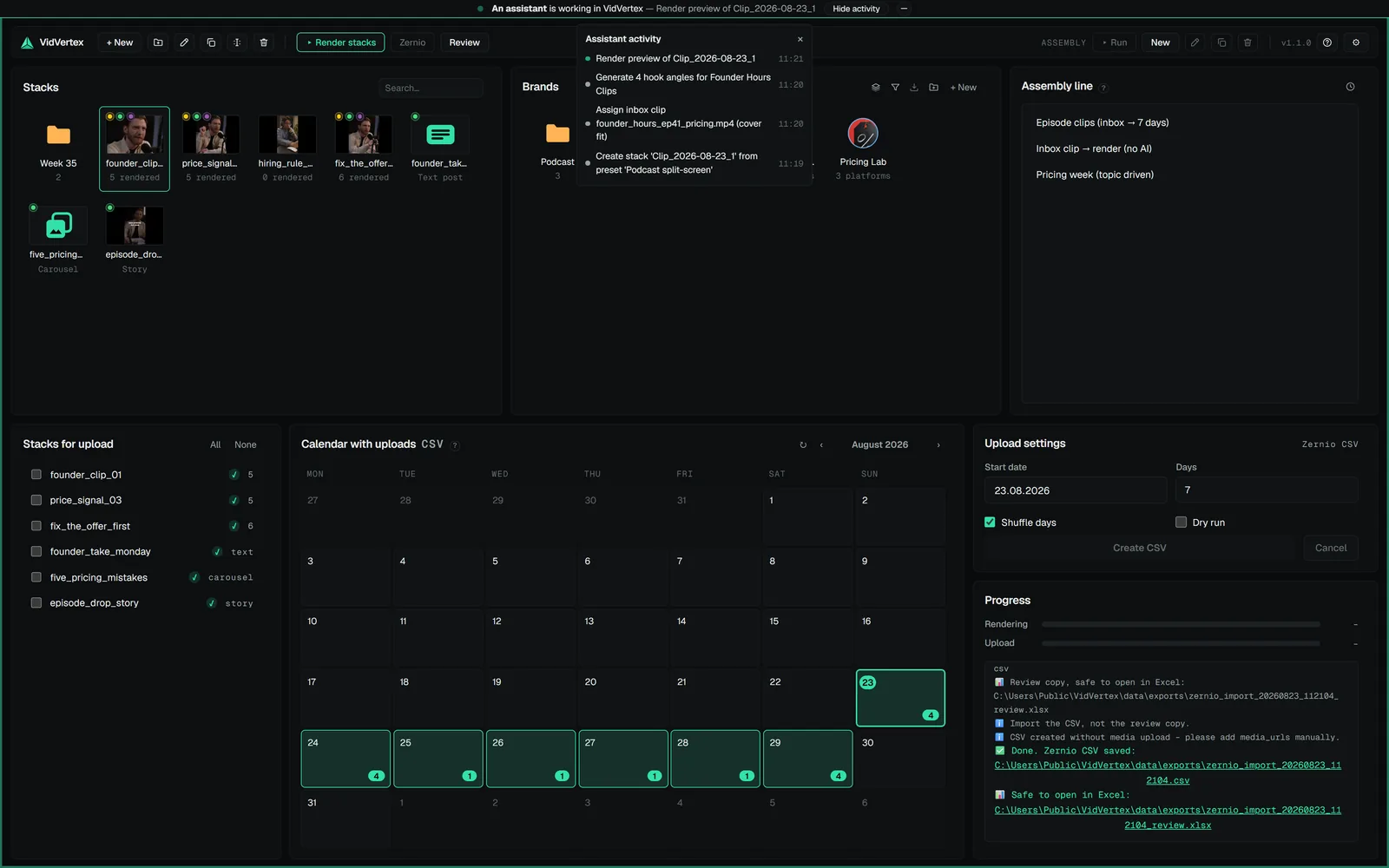
Once connected, Claude can do what you do in the app — brands, pools, stacks, texts, captions, rendering, previews, scheduling — through VidVertex's MCP server. The app stays the source of truth: everything happens in your data folder, open windows update live, and while an assistant works the app shows a slim strip at the top naming the client and its current action (click it for the full feed).
Claude DesktopClaude CoworkClaude CodeCodex
Three things it cannot do without you:
- Post for real — dry-run by default; real posts need your approval, in the chat or in the app's review queue.
- Delete — every delete is refused until you said yes.
- Sign in to Google Drive — assistants never open the sign-in window, so connect Drive once yourself (Settings → Upload settings) before an assistant publishes through Metricool.
It never sees your API keys. Details in Agent control.