What a render produces
A render turns one stack into finished, uploadable video files — one per channel, with every layer, caption and brand detail already baked into the picture.
For every active brand × platform channel of the stack:
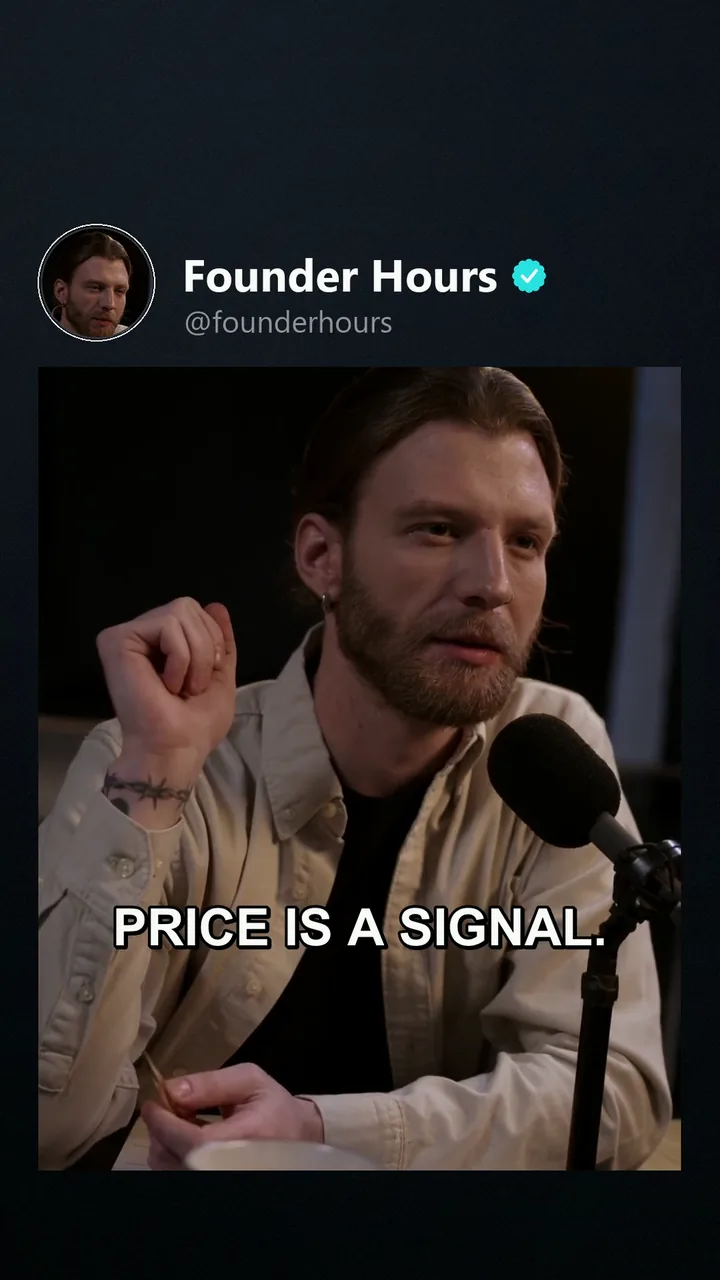
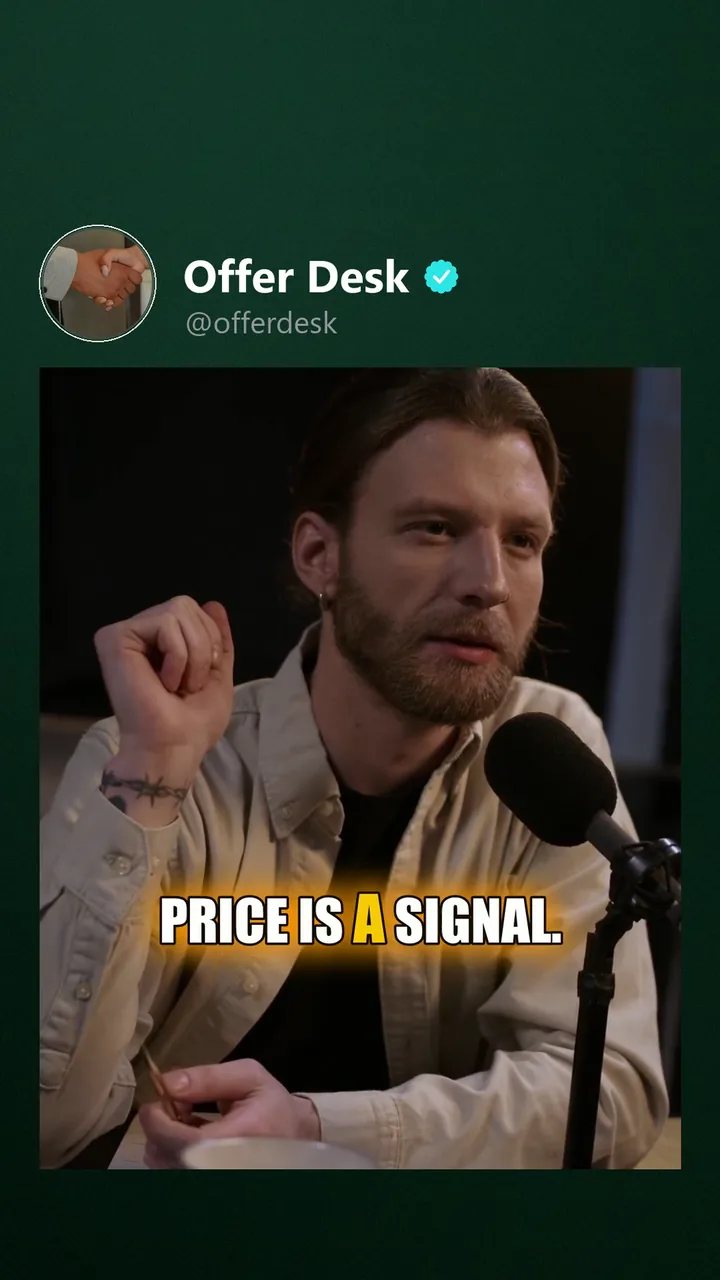
- the composited video — background, main clip, overlays, texts, hook/endcard, outro — in the output template's resolution and format,
- with that brand's logo/watermark, pool assets (rotated per variant), hashtag and caption style,
- captions burned in (translated where the brand's language differs),
- the finished mix — speech, music, ducking — brought to one loudness,
- the randomizer's per-file variations applied,
- a clean, randomized filename.
 Click to enlarge
 Click to enlarge
 Click to enlarge
Files land in the stack's rendered/ folder. The stack tile in the hub shows
how many variants exist and whether they're current.
Loudness
Every render measures its finished mix and normalizes it to the stack's target, −14 LUFS by default — the level TikTok, Instagram and YouTube play at — so a quiet source clip no longer posts quiet. The switch is the editor's Sound tab → Loudness: Normalize loudness at render time, plus Target (LUFS). Switched off, the source level is kept exactly and only a limiter guards the mix.
Files rendered before September 2026 are roughly 6 dB quieter than the same stack rendered today, because each mixing step used to halve the level. They are not marked stale — re-render a stack when you want the new level.
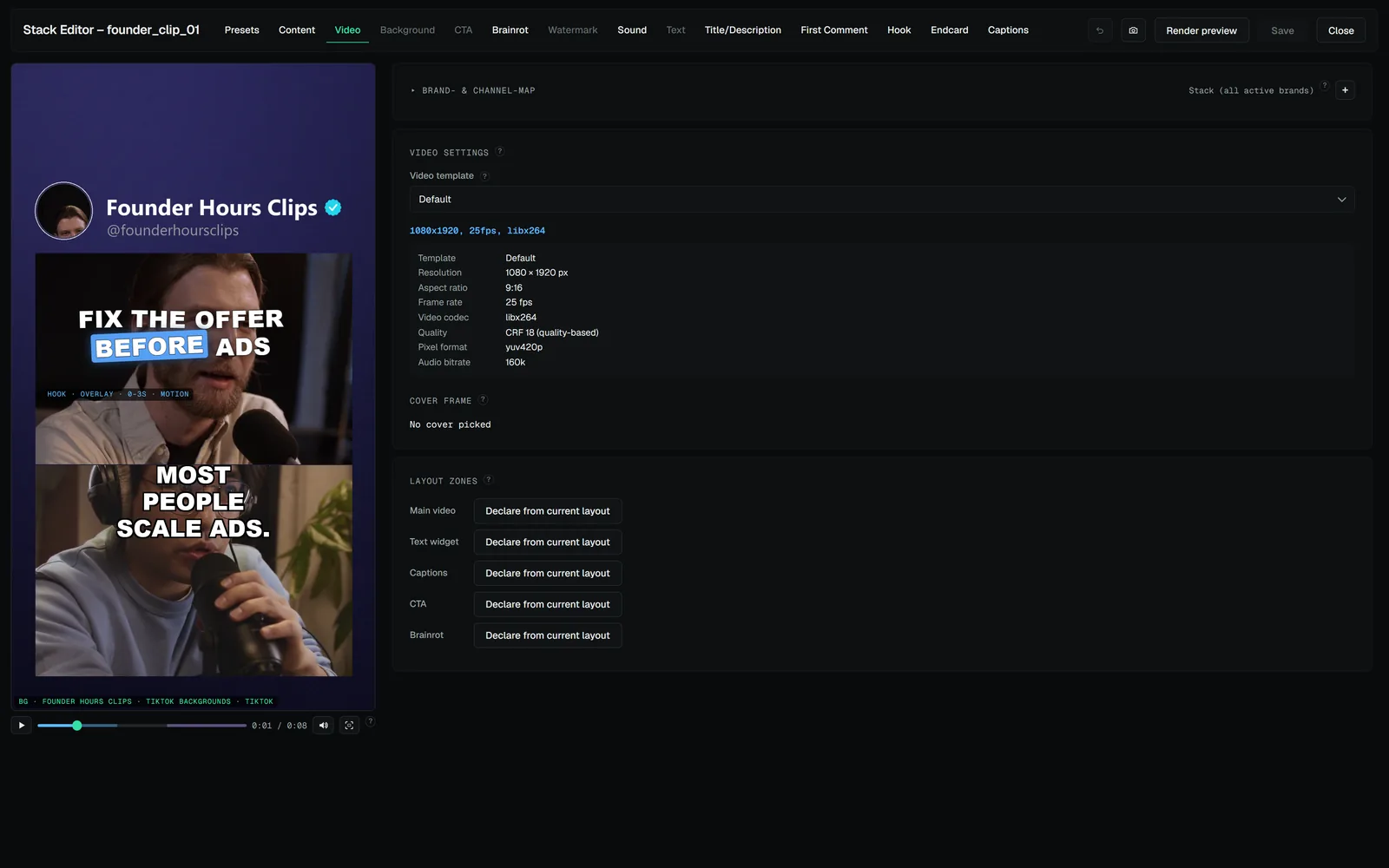 DOCS · THE STACK EDITORVideo tab — format, zones and safe zonesOutput template — resolution, fps, codec, quality; templates are managed centrally, see Rendering & templates.
 DOCS · CAPTIONSHow it worksTranscribe (Content tab): click Transcribe now.DOCS · RENDERING & TEMPLATESOutput templates and GPU encodingTemplates define resolution, frame rate, codec and quality.