The assembly line
An assembly-line preset is the whole production written down once, so one click produces what a full editor session would.
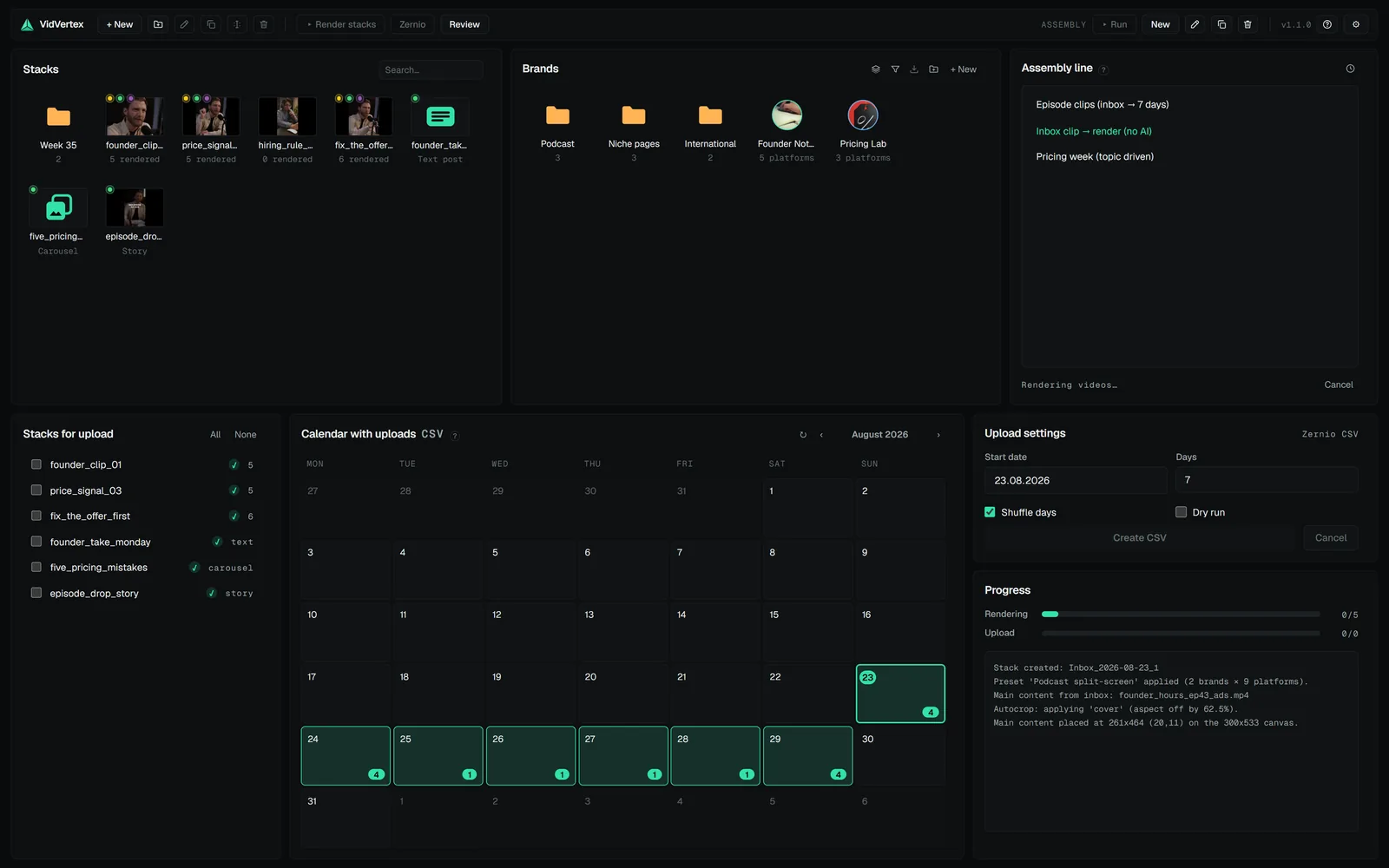
A preset holds:
- which stack preset to build from (layout, widgets, caption look),
- where the main content comes from (typically: the newest unused inbox clip),
- how new footage is fitted into the layout (see auto-fit below),
- which texts to generate (titles/descriptions, first comments, text-widget lines, hook angles, endcard lines) from which briefing — optionally with clip analysis, so the clip itself briefs the generators,
- whether to transcribe captions and apply the silence cut,
- whether to render,
- whether to schedule/upload — and with which schedule.
Press Run and the line executes end to end, with live progress. The result is the same as if you'd done every step in the editor — because it is every step, just unattended.
Briefings and identity
Generated texts read the preset's briefing plus each brand's identity (niche, audience) and content language — so a run across five brands produces five voices in the right languages, not five copies.
Rendering inside a run
The render step takes the stack's render lock like any other render. While the line renders a stack, a Render click in the hub for that same stack is refused with "already being rendered by the assembly line" — two renders of one stack would overwrite each other's files.
The lock is per stack, not per app. A run that renders one stack never blocks your work on another.
Fail-soft by design
A step that can't run (no AI key, clip analysis refused, a platform skipped) logs and continues where that's safe — a nightly run shouldn't die because one description generator hiccupped. Errors that make the result wrong stop the run — a render with failed variants, for example, never proceeds to upload.