Connect VidVertex to Claude
Let an AI assistant run the app for you: "set up these ten brands", "build a stack from the newest clip, write the hooks, render a preview and show me", "what's scheduled next week?". Claude Desktop and Cowork connect in two clicks; Claude Code and Codex take one command.
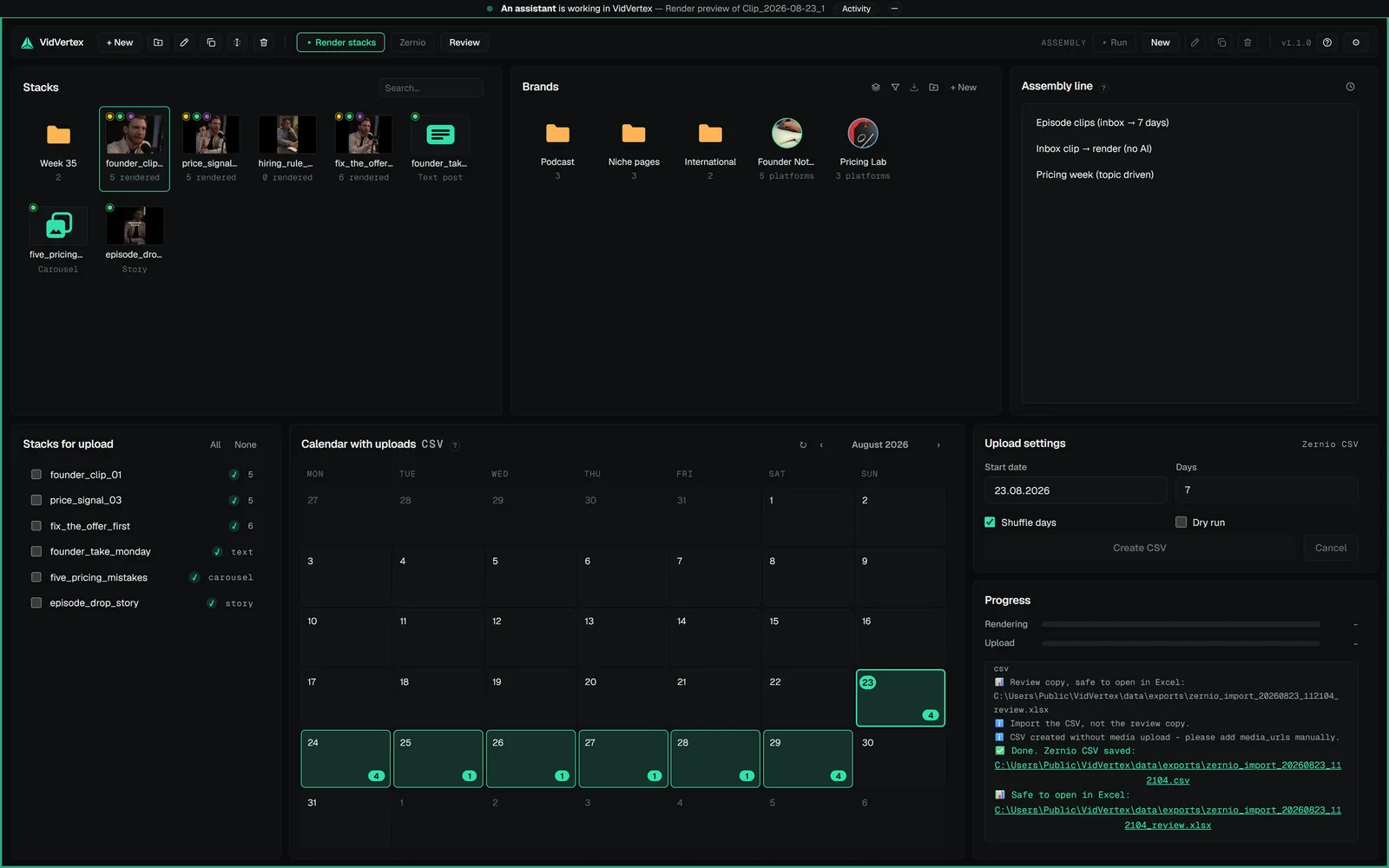
01What you getOnce connected, Claude can do what you do in the app — brands, pools, stacks, texts, captions, rendering, previews, scheduling — through VidVertex's MCP server.02Claude Desktop and CoworkSettings → Integrations → Connect to Claude.03Claude Code, Codex and other MCP clientsRegister the server once from any terminal (the exact path is shown on the Integrations page)04What to ask forGood first prompts, in plain language