Posting
Posts don't show up on the platform. Check the Calendar page first: it reads the live plan of whichever service you post through — Zernio's or Metricool's — so a post visible there was accepted and will publish at its time. If it's missing, check the upload job log: the most common causes are an invalid or expired API key (Settings → Upload settings) and a brand whose platform isn't connected to an account.
Some posts failed in a run. The log offers Retry failed uploads — only those combinations run again, each with its error shown. Duplicate warnings on the retry are normal: a failed attempt may still have reached the platform.
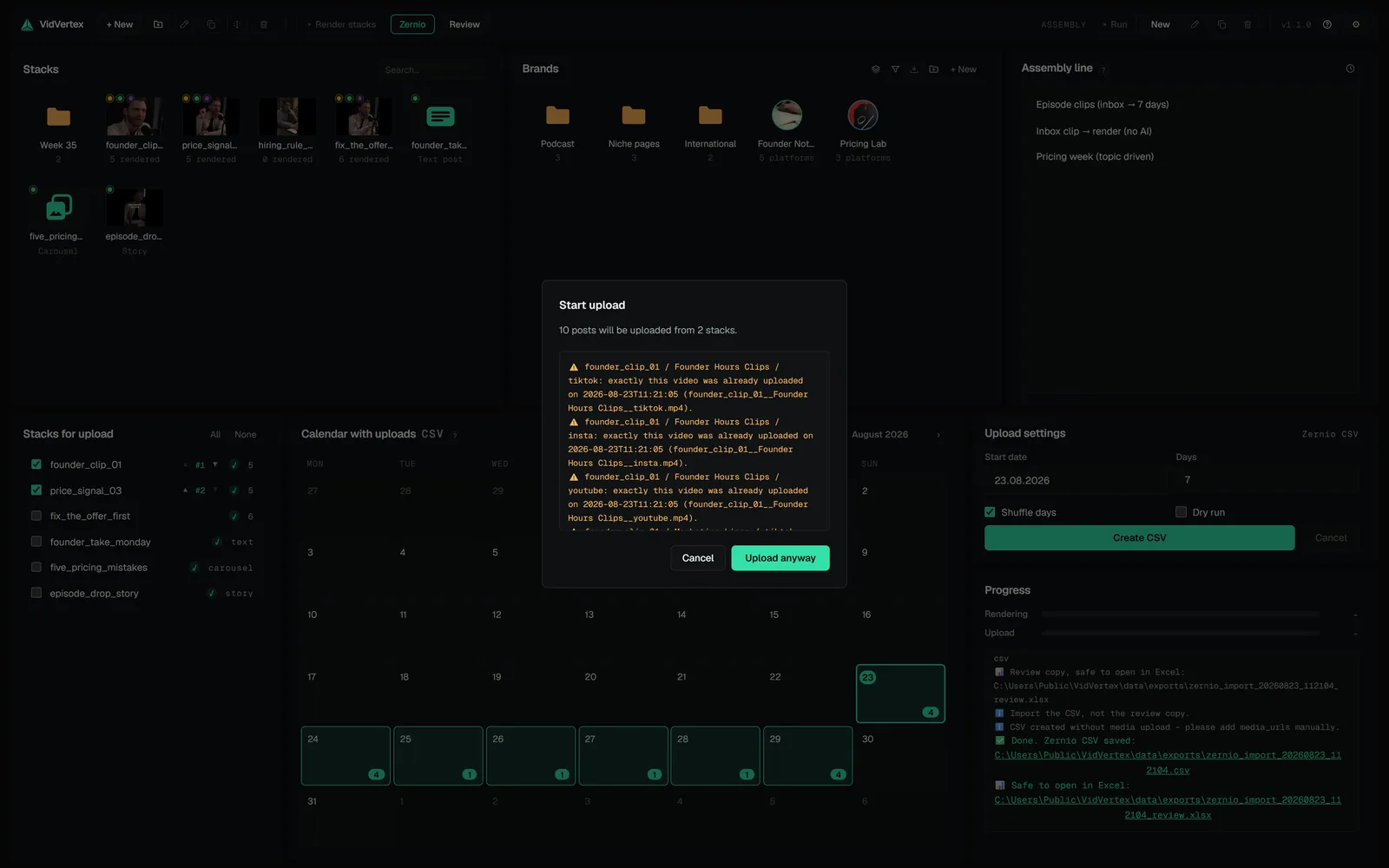
Duplicate warnings for something I posted on purpose. That's expected — duplicates warn, they never block. Confirm and continue.
A platform rejected a video. The pre-flight warnings flag conservative duration/size limits before upload, but the platforms decide finally. Adjust length/size and re-render the variant.
Metricool ignored most of my CSV rows. The bulk import matches the Brand name column against the brands in your Metricool account, exactly. Set each brand's Metricool blog ID (brand editor → Profile) and the export writes the name Metricool knows; without it the column stays empty and the row lands in whichever brand is open in Metricool. YouTube rows additionally need a category — brand editor → Platforms.
A row Metricool cannot match is dropped without an error message. After an import, count the posts in the planner against the rows in the CSV.
I need one import CSV for uploads spread over several runs. Every run writes only its own rows, so an abort, a straggler and a retry leave you with three files. The Upload panel's Rebuild import CSV from history builds one combined file from what was really uploaded — the recorded media links are reused, nothing is uploaded or posted again.
A stack disappeared from "Stacks for upload". That list is a to-do list: a real run takes the stacks it handled off it, and the × on a row (it appears when you point at the row) takes one off by hand. Hidden · N in the panel head shows them again for a deliberate re-upload, and a stack tile's menu offers Add to upload list.
Google Drive is full. Both Metricool modes hand Metricool a Drive link, and Metricool copies the media onto its own servers — the Drive copy is dead weight from then on. The API mode deletes its copy right after the re-host; files written for a CSV export stay until you have imported it. Settings → Storage → Google Drive uploads lists what VidVertex put there, with the quota and, per file, whether a scheduled post still uses it — and deletes what is free. A quota refusal stops the run with one plain message instead of failing every remaining post.
| The file list says | What it means |
|---|---|
| in use | a scheduled Metricool post still points at this file |
| CSV export | written for an import CSV — free once you have imported it |
| free | nothing references it any more; safe to delete |
| unverified | the planner could not be checked (no API token) |
An assistant says Google Drive is not connected. Unattended callers never open the Google sign-in window — a browser nobody watches would simply hang. Connect Drive once yourself (Settings → Upload settings → Connect); after that, schedules, watch-folder jobs and assistants can use it.
"Connect" for Google Drive fails. See Google Drive setup: the JSON must be a Desktop app OAuth client, and the consent screen must be published (Audience → Publish app). A client left in "Testing" only lets listed test users in — and expires its token after seven days, which is why a connection that worked last week suddenly asks to be connected again.
Zernio CSV: "media too large" / heavily compressed files. Media over 4 MB needs a Vercel Blob token (Settings → Upload settings → Zernio CSV); without it large files are compressed hard to fit. Add the token, or use "Skip media upload" and host the files yourself.