Activate your license
The first screen asks for your license key.
- Paste the key from your order confirmation email.
- Click Activate.
That's it. One license covers 2 devices; updating the app on the same machine never uses up a device slot. If you ever swap machines, deactivate the old device from Settings → User profile (or via the customer portal).
NOTE
The app checks the license online. Short offline stretches are fine — there is a 3-day grace period — but the very first activation needs an internet connection.
RELATED · GETTING STARTED
DOCS · GETTING STARTEDGet oriented: the hubAfter activation you land in the hub.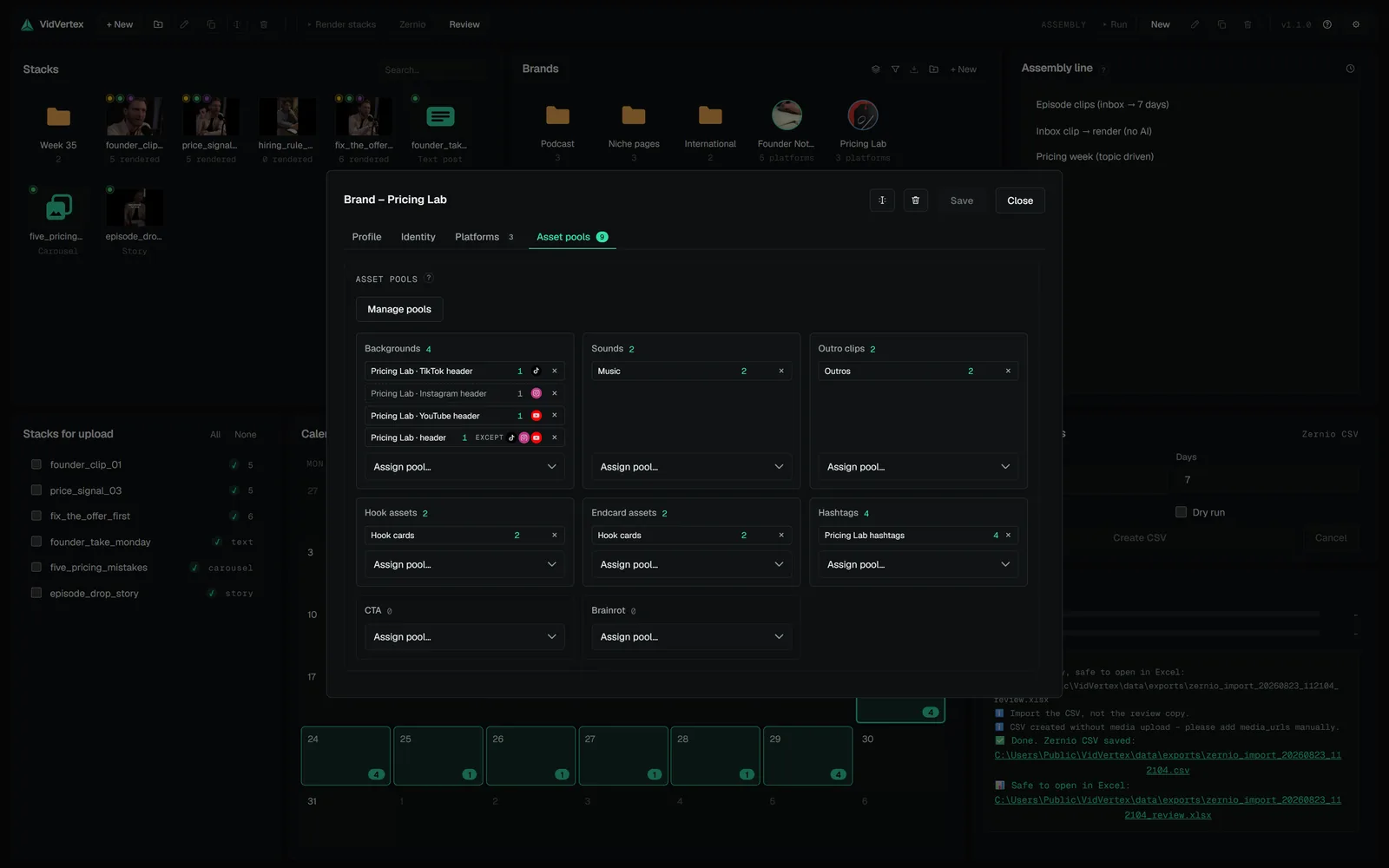 DOCS · GETTING STARTEDCreate your first brandThere are two ways to get a brand: import it from Zernio with its accounts already connected, or create it by hand and enable its platforms yourself.
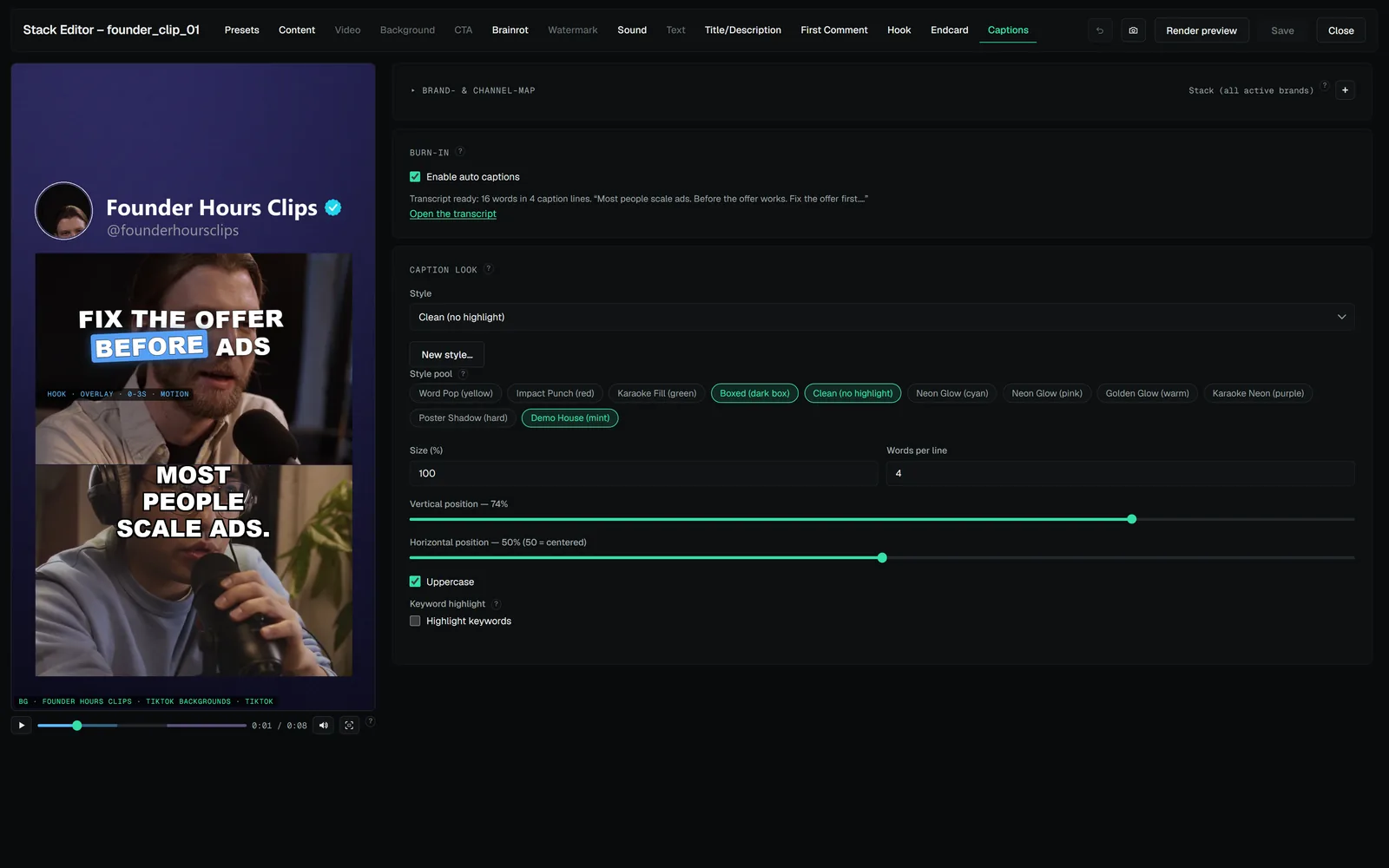 DOCS · GETTING STARTEDBuild your first stackA stack is one post's layout: the clip, what sits around it, the captions and the hook.
DOCS · GETTING STARTEDCreate your first brandThere are two ways to get a brand: import it from Zernio with its accounts already connected, or create it by hand and enable its platforms yourself.DOCS · GETTING STARTEDBuild your first stackA stack is one post's layout: the clip, what sits around it, the captions and the hook.