The render queue
Before the render starts
The render confirmation lists what it noticed before a single frame is encoded. Nothing blocks: you continue with Start render, or with Render anyway when there are warnings.
- A speech model is missing — the captions of that stack need a model that isn't there and can't be fetched offline; the render would run without captions.
- A first-time model download — the first render fetches the speech model once, with its size named up front.
- A hook or endcard language gap — the stack keeps angle pools per language and one brand's content language has none, so that brand renders the flat list instead, possibly in the wrong language.
The same list runs in front of a command-line render and an assistant's render batch, so nothing is warned about in the app only.
The render queue
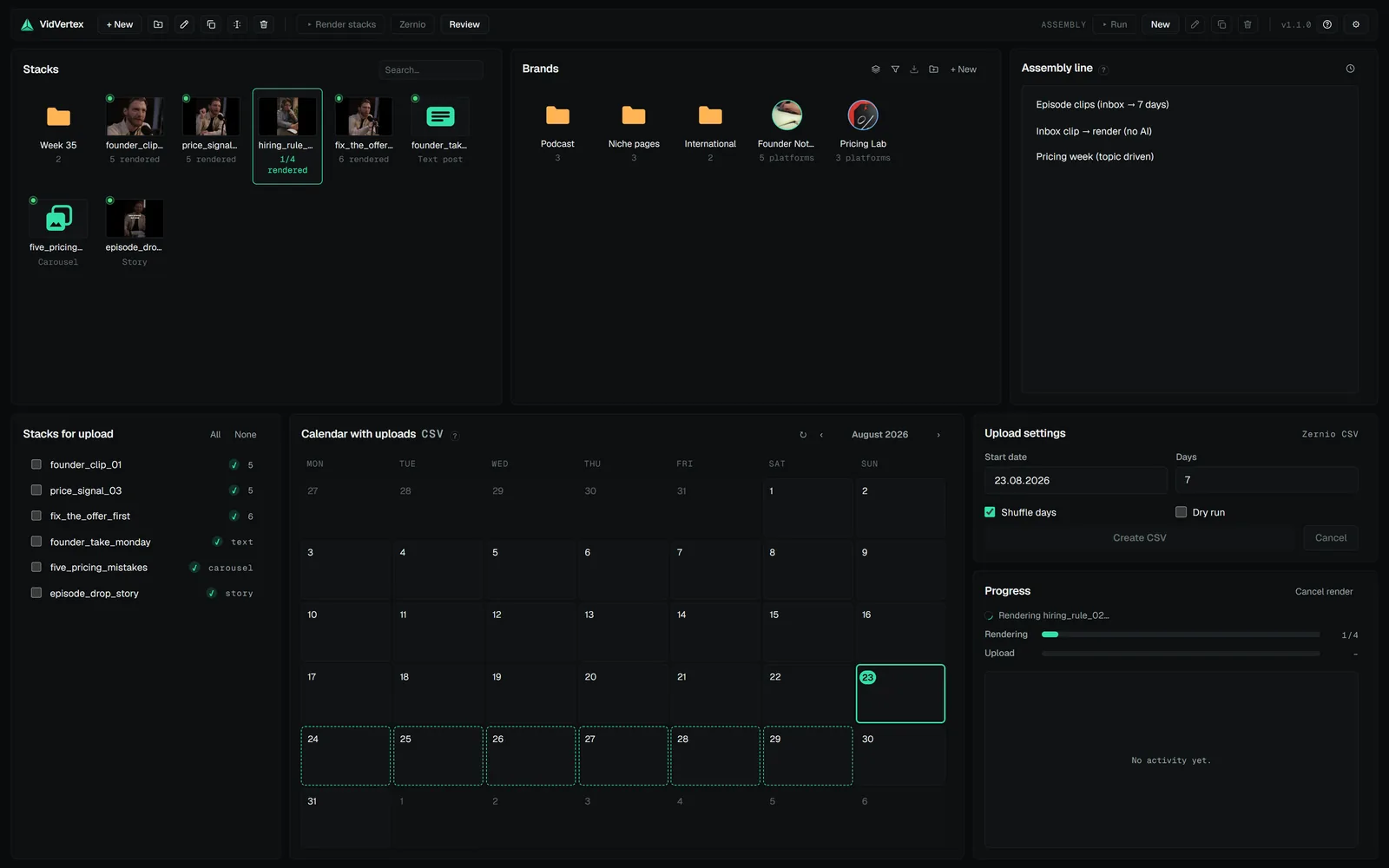
- Queue as many stacks as you like; renders run in a background worker, one stack at a time. The hub's Rendering bar counts across the whole batch and shows a running estimate, and one desktop toast fires when the batch is done.
- Progress, per-variant logs and cancel live in the hub. Cancelling stops the whole batch cleanly, including the encoder.
- Renders keep running if you close the editor; the queue survives app restarts (it resumes where it stopped).
One render per stack at a time
The hub, an assistant, the command line and the watch folder each run their own render worker; a per-stack lock is what keeps them apart.
A second start on the same stack is refused with a message naming who is rendering ("already being rendered by the VidVertex app"). Wait for that render, or cancel it there. Two renders of one stack used to overwrite each other's files.
A render resumes per variant
Every finished variant is written to disk and recorded immediately. If a render is interrupted — cancelled, the app closed, a crash — the next run keeps every variant that is complete and still matches the stack's current configuration, and renders only the missing ones (the log says "kept from previous run"). A changed stack renders everything again, because nothing matches anymore. Half-written files never survive: the last step writes to a staging name and renames only when complete.
That record is also the list of results. The tile's "N rendered" and the stack's file list count the recorded variants still on disk, so a file deleted in Explorer disappears from the count — and a stray file the record doesn't know never counts as a variant; the next render sweeps it away.
A variant that fails (a missing asset, an encoder error) is reported as an error naming the variant; the finished ones stay on disk and the next render attempts only the failed ones. "Render everything from scratch" is Settings → Storage → delete the stack's renders.
Staleness — when a re-render is needed
The hub marks a stack stale when something render-relevant changed since the last render: layout, assets, captions, hook, zones, silence cut, loudness.
Editing post metadata — titles, descriptions, first comments, hashtags, the cover frame — does not mark renders stale. Those live outside the video file, so there is nothing to re-render.