Claude Desktop and Cowork
- Settings → Integrations → Connect to Claude. VidVertex builds a file
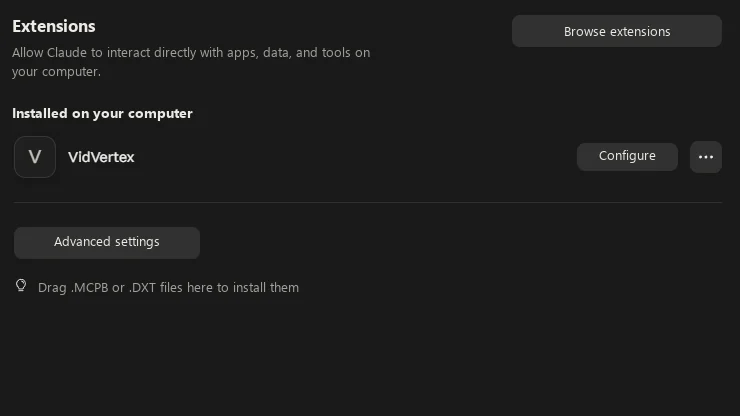
vidvertex.mcpbfor exactly this installation and opens it with Claude — or, if Windows doesn't know the file type yet, shows it in Explorer. - In Claude: Settings → Extensions. Either the install dialog is already
open, or drag
vidvertex.mcpbonto the page. Claude shows a red note that the extension is not verified by Anthropic — that's normal for any extension installed outside Anthropic's directory; install anyway. - Make sure the extension's Enabled toggle is on. Start a new chat and ask Claude to list your stacks.
The Integrations page confirms the link live: "Connected — Claude Desktop, 1 session since 09:01". Cowork shows up the same way.
After updating VidVertex
A Claude session that started before the update still runs the old build. The Integrations page says so ("1 session runs an older build — restart Claude") — restart Claude and the connection picks up the new version. Re-running Connect to Claude regenerates the extension; installing it over the old one is the update path.
Restart Claude after an update that changes how data is stored, too — a running session keeps the old code in memory and can then write in yesterday's format.
One trap worth knowing
Files that Claude itself downloads or creates land in Claude's own private
folder (under AppData\Roaming\Claude) — visible to Claude, invisible to
VidVertex. If Claude is supposed to fetch footage, have it save into your
VidVertex inbox or data folder; the tools warn when a path points into
Claude's sandbox.