Auto-fit and layout zones
When the assembly line swaps new footage into a preset's layout, the clip is fitted automatically. The modes:
| Mode | What it does | Good for |
|---|---|---|
| Cover | Fills the area; the overhang is cropped | Footage already in the target shape |
| Contain | Fits inside the area; letterboxed | Wide footage you want complete |
| AI | The provider decides per clip (falls back to cover) | Mixed, unpredictable sources |
| Reframe | Cover, but the AI shifts the crop toward the subject — one offset per clip, no tracking | Wide footage with an off-centre subject |
TIP
Footage that already fits within the tolerance is left alone, so 9:16 downloads never pay an AI call — and every AI failure falls back to centered cover.
The area footage is fitted into comes from the stack's layout zones (see the stack editor): a declared main zone with its own fit and tolerance beats the preset's autocrop settings; without zones the line uses the area the preset's original clip occupied. Text widget and captions are kept inside their zones, and CTA/brainrot pool picks are fitted into theirs at render time — so a preset built on 16:9 footage places a 9:16 clip correctly instead of small in a corner.
RELATED · AUTOMATION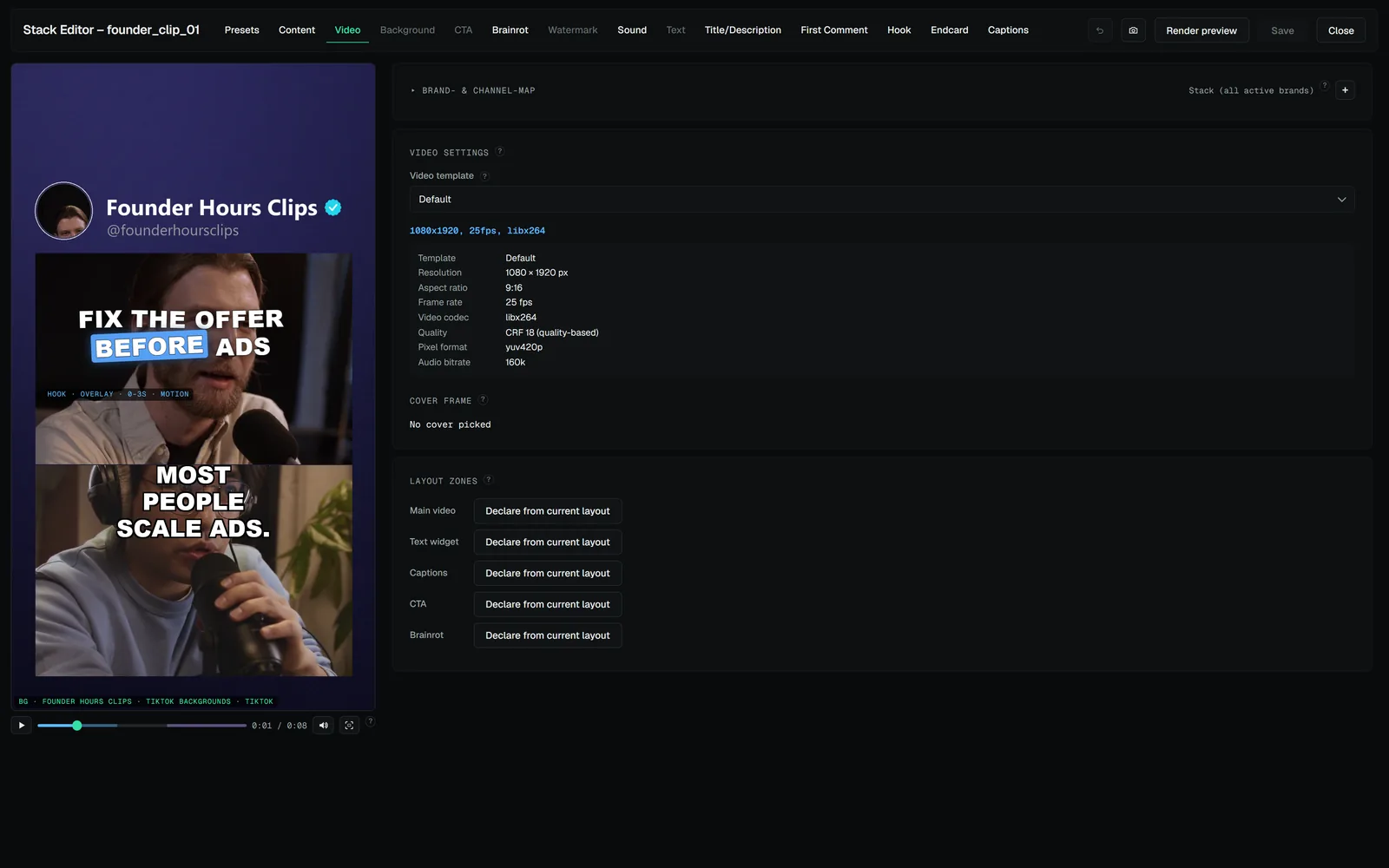 DOCS · THE STACK EDITORVideo tab — format, zones and safe zonesOutput template — resolution, fps, codec, quality; templates are managed centrally, see Rendering & templates.DOCS · BRANDS & PLATFORMSAsset pools — the shared libraryPools are named libraries that live outside the brands.DOCS · AUTOMATIONThe review queueUnattended runs that would post — a schedule, a watch-folder job, an assistant — record every proposed post in the review queue: the toolbar's Review button…
DOCS · THE STACK EDITORVideo tab — format, zones and safe zonesOutput template — resolution, fps, codec, quality; templates are managed centrally, see Rendering & templates.DOCS · BRANDS & PLATFORMSAsset pools — the shared libraryPools are named libraries that live outside the brands.DOCS · AUTOMATIONThe review queueUnattended runs that would post — a schedule, a watch-folder job, an assistant — record every proposed post in the review queue: the toolbar's Review button…