Why burned-in captions lift retention
A huge share of feed scrolling happens with the sound off. Captions aren't decoration — they're the sound-off version of your video.
 Click to enlarge
Open your own phone use as evidence: in bed, in transit, in a meeting you're pretending to attend — the feed scrolls silently. For every video, a slice of its test audience (see how distribution works) meets it muted. What happens in that slice?
- Without captions: a person talking inaudibly. The promise of the video never arrives. Scroll.
- With captions: the content works anyway. The muted viewer is retained, and retained viewers are the metric the whole machine runs on.
That's the core argument, and it doesn't need invented percentages: captions convert your muted audience from guaranteed losses into normal viewers.
The second effect: captions hold attention actively
Even with sound on, word-timed captions give the eye a moving anchor. Watching becomes reading along — a slightly higher-commitment activity than passive listening, which is exactly what you want in the seconds where a thumb hovers. It's the same reason lyric videos work. Word-by-word timing ("karaoke" highlighting) strengthens this: the motion of the highlight is a continuous micro-promise that something is happening.
 Click to enlarge
Two more wins come free:
- Comprehension insurance. Accents, fast talkers, bad mic, background music — captions cover every case where audio alone might lose someone.
- Accessibility. Deaf and hard-of-hearing viewers are simply part of your audience. Captioned content includes them; uncaptioned content excludes them.
Burned-in vs. platform captions
Platforms offer their own caption layers, so why burn them into the video?
| Burned in | Platform layer | |
|---|---|---|
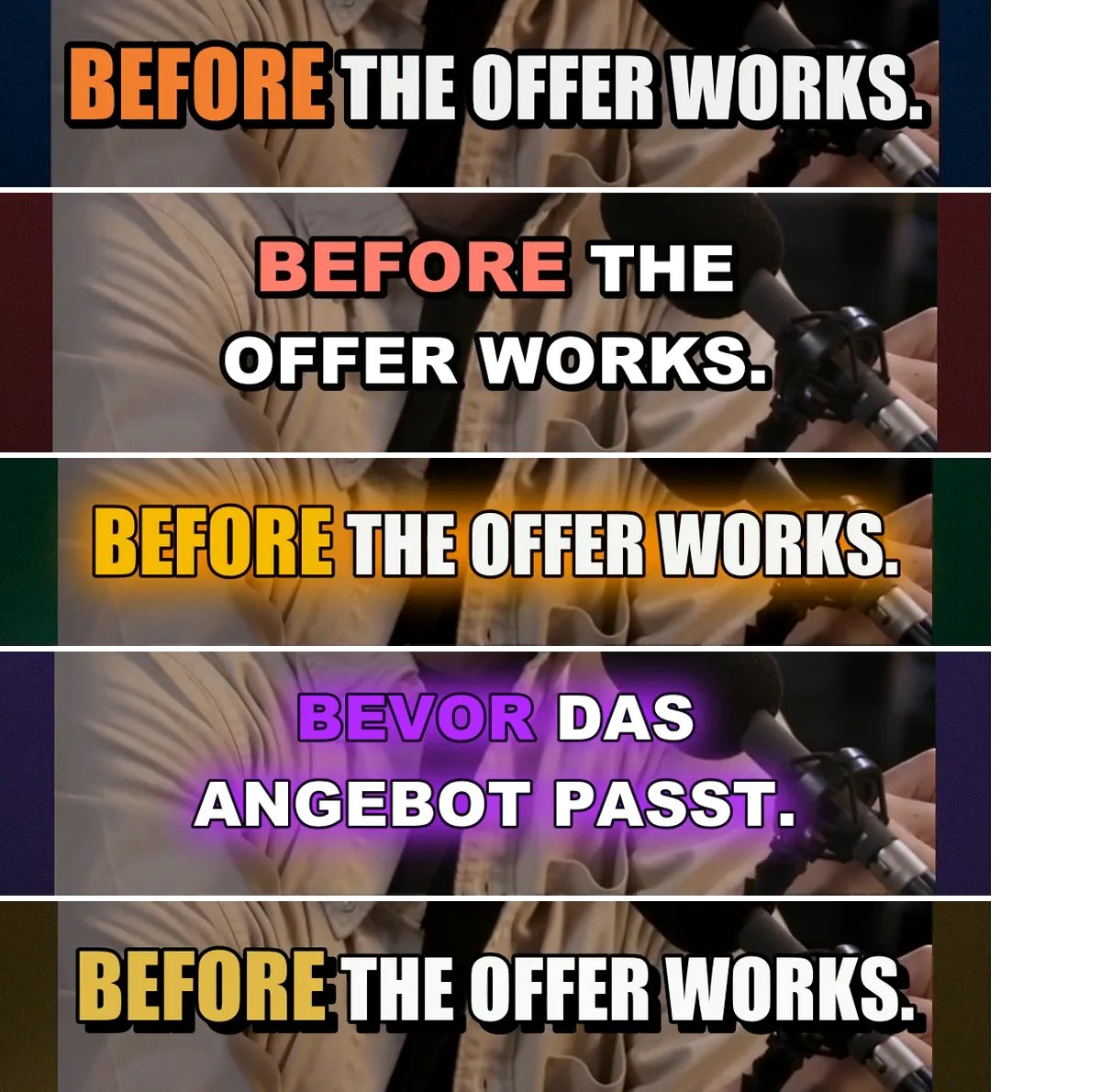
| Look | Your font, colour, placement — part of the composition | The platform's style, position and timing |
| Travel | Identical on every platform, in the file | Configured per app, where it exists at all |
| Accuracy | Names and jargon fixed before the render | Auto-generated guesses |
| Viewer control | Cannot be switched off | Can be hidden |
The trade-off is honesty: burned-in captions can't be toggled off by viewers. For short-form, where the caption is part of the design language, that trade is almost always worth it.
 Click to enlarge
Craft rules for captions that help instead of hurt
- Few words per line. Short lines read in a glance; walls of text compete with the video instead of supporting it.
- Keep them in the safe zone. Every platform lays UI over the frame's edges — captions parked too low get covered somewhere (see safe zones).
- Contrast is non-negotiable. Outline, shade or glow behind the text; white on bright footage is invisible.
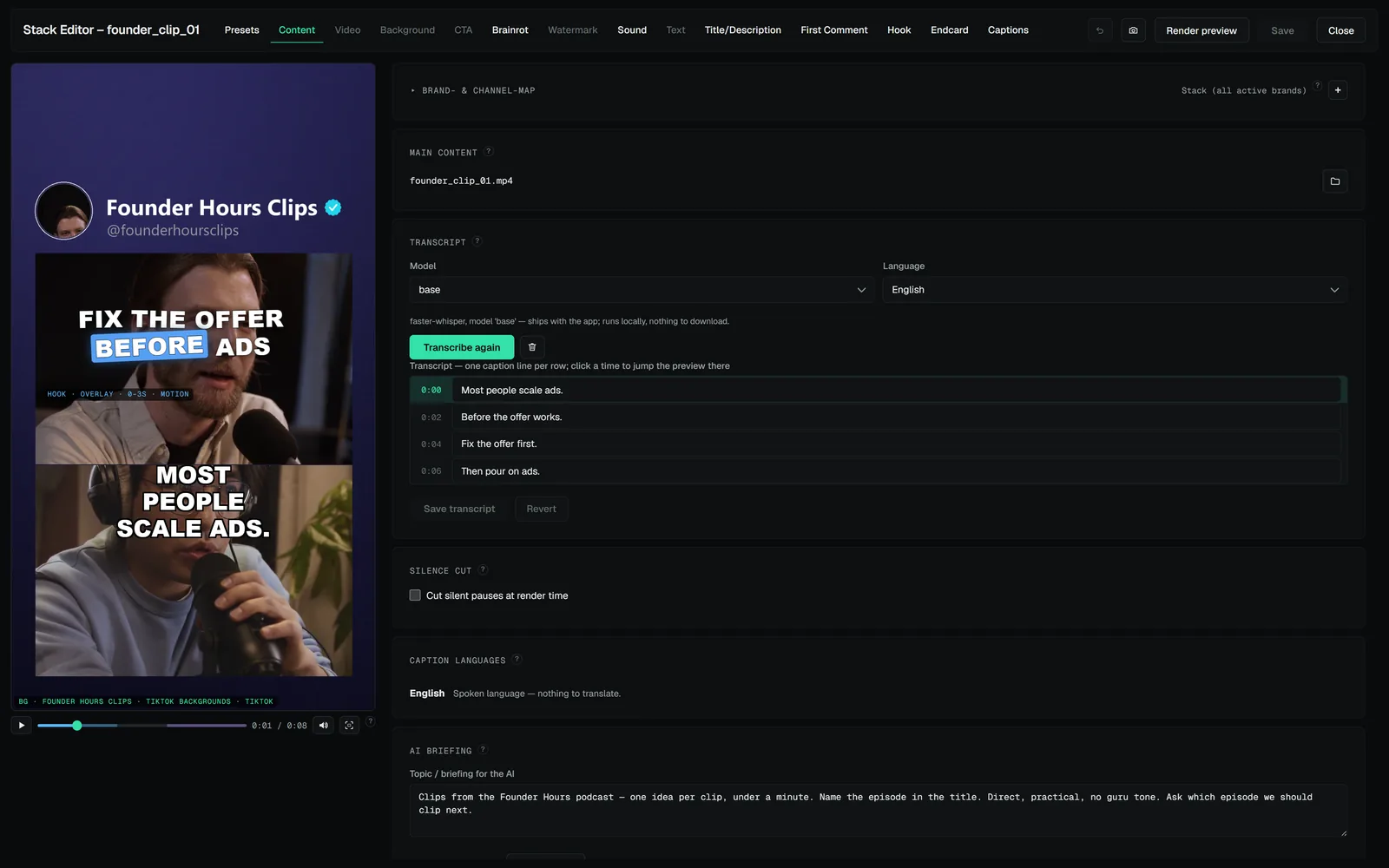
- Fix the transcript. One wrong brand name in captions reads as sloppiness in the one place everyone's eyes are. Auto-transcription plus a proofread is the right workflow, not auto-transcription alone.
- Style consistently. Caption look is brand identity — same style across every video of a page.
Transcribe once, proofread once. The transcript is the same data the captions, the silence cut and any translation run on, so a name fixed there is fixed everywhere downstream.
When captions matter most
All content benefits; some content depends on them: talking-head and educational videos (the words are the content), storytelling and narration, anything watched in public contexts, and any video whose speech is in your audience's second language. If your content is pure visual (satisfying loops, gameplay spectacle), captions turn into sparse text accents — different craft, same safe-zone rules.
 THE CRAFT · 3 MINSafe zones: designing one video for nine different UIsYour video doesn't own its own frame. Every app draws buttons, captions and gradients over it — in different places. Safe zones are how one layout survives all of them.
 THE CRAFT · 3 MINOn-platform captions that get savesThe caption under a video is the most skipped field in short-form and one of the few that changes a number the feeds care about: saves. Here's what a caption is for on each platform, a structure that works, and what to stop putting in it.