TikTok: post types, limits, discovery and how to post
The platform every other short-form feed copied. Here's what you can post there, what the limits are, how the For You feed decides, where the money is in 2026, and the mistakes that quietly cost reach.
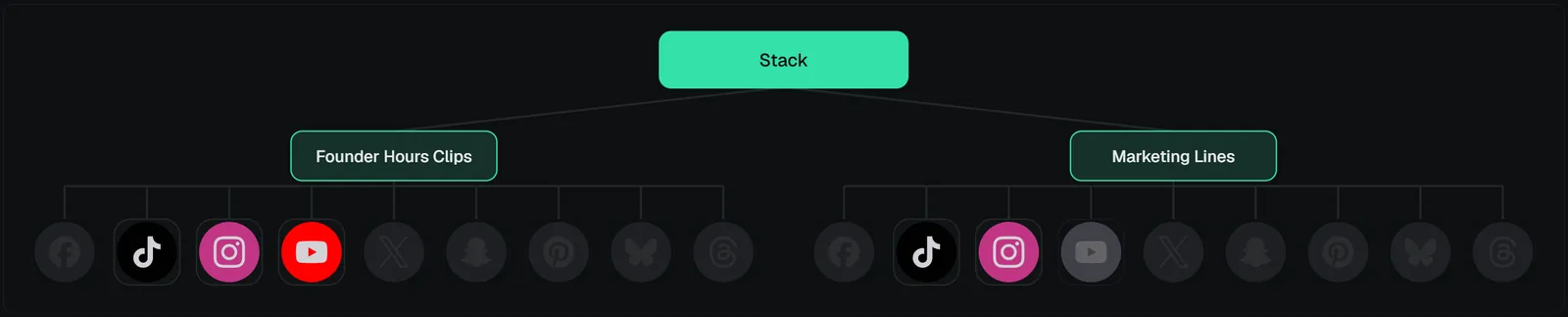
 Click to enlarge
Platform facts checked against TikTok's own help pages and Community Guidelines, August 2026. Limits move; the help center wins when it disagrees.
TikTok is the purest version of the model described in how short-form distribution works: almost nothing depends on followers, almost everything depends on how the first test group reacts. That makes it the most forgiving platform for a new page and the least forgiving for a lazy one.
Post types
| Type | On TikTok | Through VidVertex |
|---|---|---|
| Video | The main format; 9:16 feed video | Yes — rendered per brand |
| Photo post (carousel) | Swipeable image posts with music, up to dozens of slides | Yes — image carousel |
| Text post | In-app text cards | No — not in the roster |
| Story | 24-hour stories on the profile | No |
| LIVE | Streaming, gifts | No (in-app only) |
Photo posts are worth more than their reputation: they hold viewers per slide and get recommended like videos, and the slides stay 9:16.
Formats, lengths, limits
- Video: 9:16, 1080 × 1920 is the standard; TikTok recommends at least 720p. Uploads up to 10 minutes in the app, longer on desktop for some accounts — but the feed is built for under a minute, and the Creator Rewards program wants over a minute, which is the tension every TikTok creator manages.
- File size: generous (hundreds of MB); VidVertex's pre-flight warns when a render exceeds a conservative size or duration for the platform (pre-flight).
- Caption: long captions allowed (thousands of characters); the first line is what shows.
- Cover frame: any moment of the video; VidVertex sends the cover timestamp you pick (cover frame).
- Safe zones: the right-hand icon rail and the bottom caption block cover a lot — safe zones.
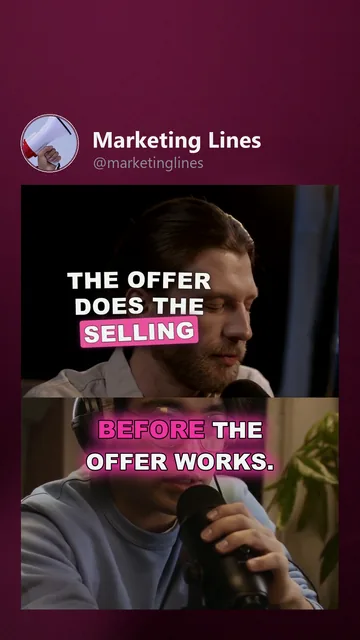
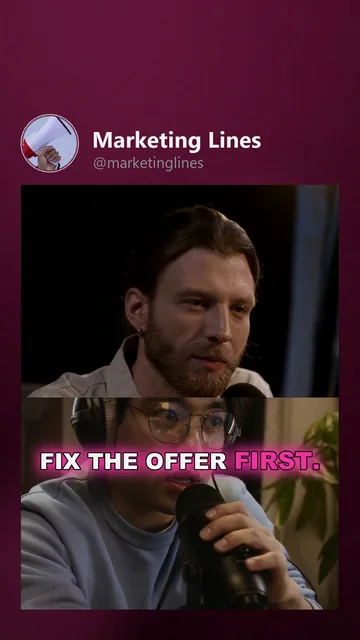 Marketing Lines ·TikTok
How discovery works here
The For You feed. Each new video is shown to a small group chosen by the video's signals (audio, text, caption, your history) and expanded or stopped based on watch time, completion, replays, shares and follows — the loop in stuck at 200–300 views.
Followers matter less on TikTok than anywhere else. A 200-follower page can outperform a 200,000-follower page on a given day, because each video is tested on its own.
What TikTok publishes: its For You feed eligibility standards — the categories of content it won't recommend (unoriginal or low-quality content, spam, mature themes, and more). A video's eligibility and status show in its analytics, and you can appeal from there (platform messages decoded).
Search is the second surface and growing: captions and on-screen text carry keywords. The sound is the third — using a trending sound pulls the video toward that sound's audience.
Monetization, as of August 2026
- Creator Rewards Program pays on qualified views of videos longer than one minute, with follower and view thresholds and a minimum age. The thresholds are on TikTok's help pages; they change, so check before planning around them.
- LIVE gifts, Series (paid collections), TikTok Shop commissions and brand deals through the Creator Marketplace are the other lanes.
- For multi-page operators the honest reading: Rewards needs original, minute-plus content per account; clip pages and theme pages mostly earn through what the views drive — the playbooks.
Typical mistakes
The Creator Rewards program pays on videos over a minute while the feed rewards clips well under one. That tension is a planning decision, not a setting — decide per page which one you are optimising for.
- Posting the identical file on several accounts. TikTok's eligibility standards name unoriginal content; the fix is real variants (duplicate content).
- Another app's watermark on the video. Reads as a repost to both viewers and the system.
- Bursty new accounts — ten uploads on day one, mass follows. Warm up instead (account warm-up).
- Commercial use of personal-library sounds. Business accounts get the commercial sound library; a personal-library track on a business page is the classic mute (music licensing).
- Text under the UI. Captions and hooks in the bottom 25 % or under the icon rail get covered.
- Reading one video's numbers. Ten uploads per format before judging.
How to post it
In the app: the + button, upload or record, trim, add a sound or keep the original, cover frame, caption with the topic in the first line, privacy public, post. Status and eligibility appear in the video's analytics afterwards.
With VidVertex: switch the TikTok channel on for the brand (brands & platforms), render the stack — the TikTok variant gets the brand's caption style, hook and assets — and schedule it. The Zernio API posts directly (privacy level and the cover timestamp ride along); the Metricool modes hand the media over through your Google Drive — the API mode posts it, the CSV mode writes an import file (upload modes). Carousels work the same way with an image list instead of a clip (post types).