Sourcing brainrot & background footage — and wiring it into your pipeline
The split-screen gameplay clip under a talking head looks silly and works anyway. Here's why it works, where to get footage you can actually use, and how to make it a zero-effort part of production.
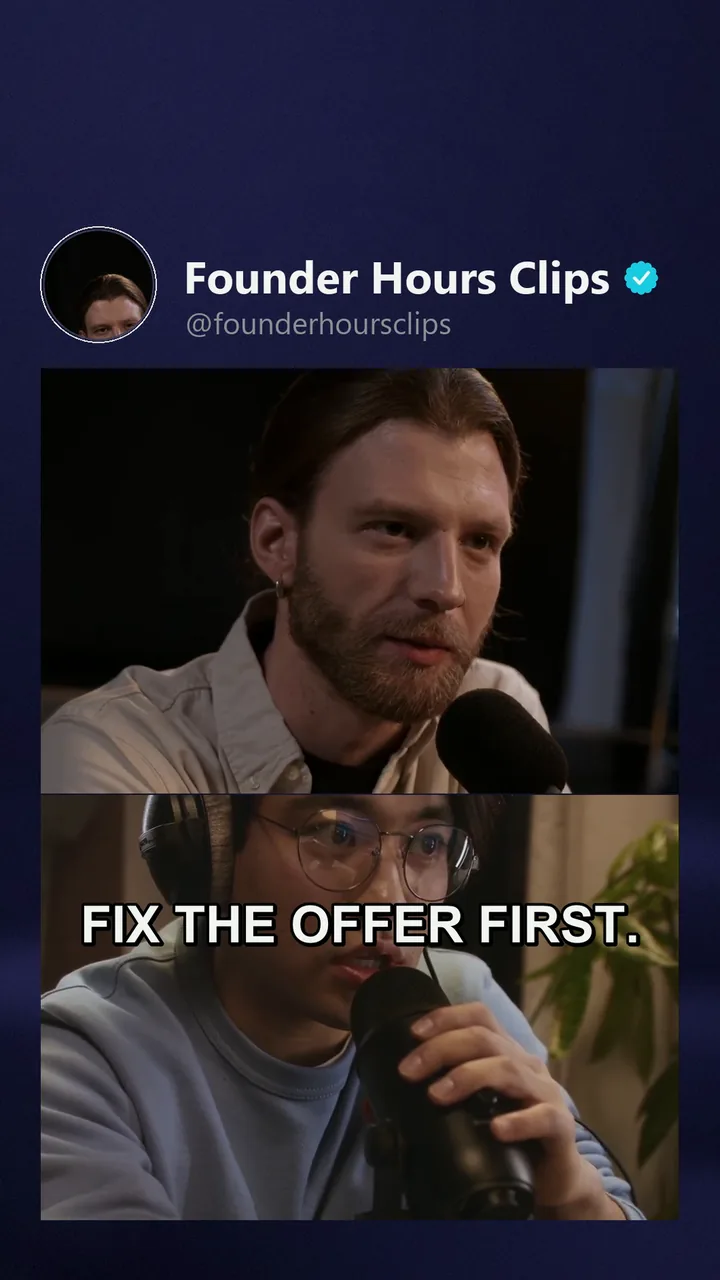 Click to enlarge
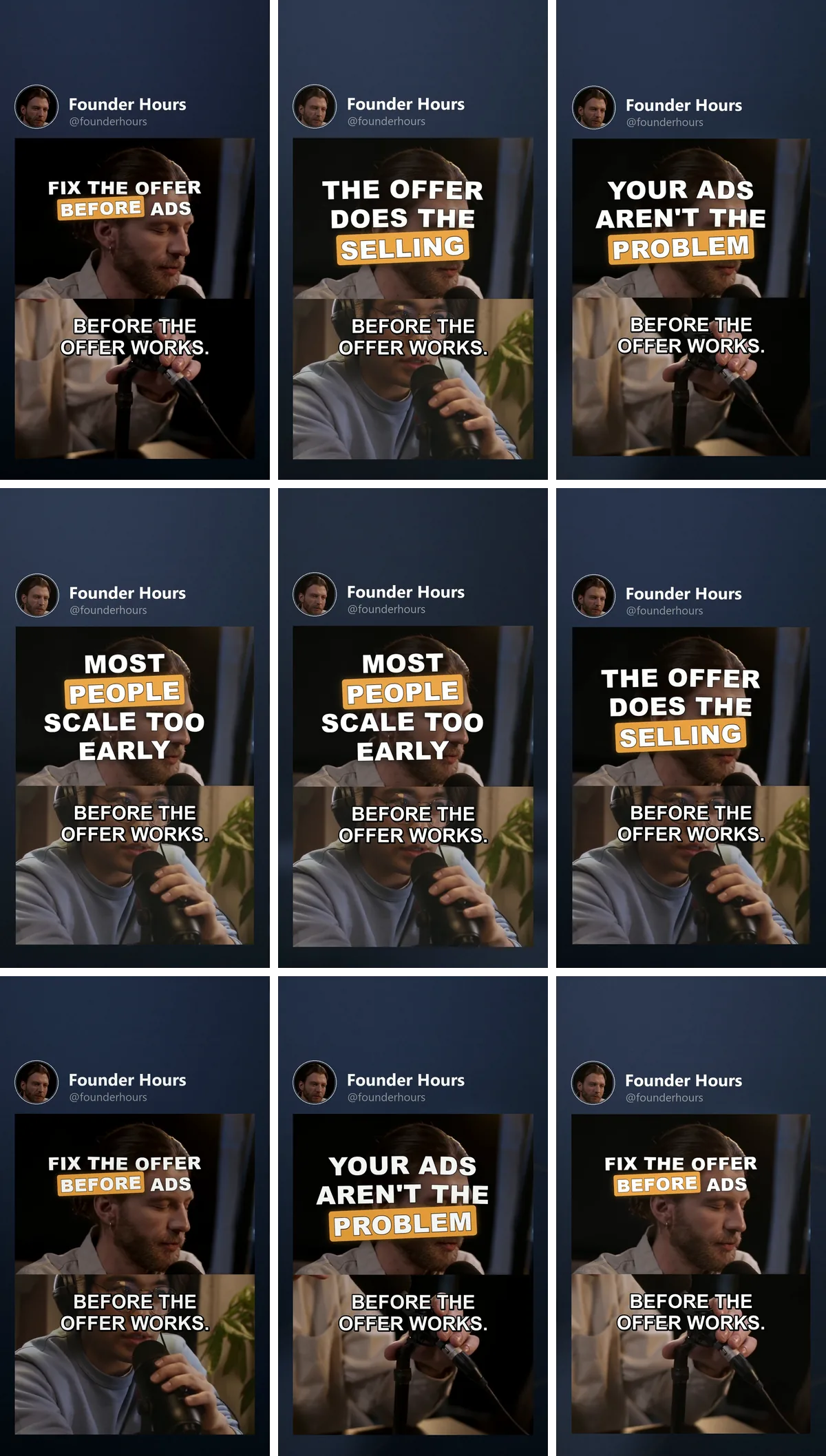
"Brainrot" footage — Minecraft parkour, Subway-Surfers-style runs, slime cutting, hydraulic presses, kinetic sand — is the second screen inside the screen: a continuous, low-meaning motion layer that gives restless eyes something to hold while the main content delivers the actual value.
Mock it all you want; the mechanism is real. Retention lives on continuous motion (the loop), and a static talking head is the least continuous-motion format there is. The filler layer patches exactly that — which is why the pattern took over narration, Reddit-story and educational content.
When to use it (and when not)
Use a filler layer when the main content is audio/text-forward: narration, storytelling, tutorials without visuals, quote/text videos. Skip it when your main footage already moves (gameplay of your own, demos, action) — a second motion layer then just competes.
Match the intensity to the content — calming loops (sand, pressure washing) under thoughtful content, high-energy runs under fast narration.
Sourcing footage you can actually use
The constructive version of the rights question — plenty of footage is simply fine:
- Record your own gameplay. The gold standard, and easier than it sounds: an evening of Minecraft parkour or endless-runner sessions, screen-recorded at 9:16 or cropped to it, yields hours of filler that is 100 % yours. One session feeds months of posts.
- Publisher-permitted gameplay. Many game publishers explicitly allow creator content made from their games (most have a "content usage" or "video policy" page — Mojang, Epic and most studios with creator ecosystems). Read the policy of the specific game once, follow its terms (some exclude straight unedited footage or ask for attribution), done.
- Stock & licensed loops. Stock libraries and creator marketplaces sell satisfying-content packs (slime, sand, presses, nature loops) with clear licenses — cheap relative to how many videos one pack covers.
- Free-license sources. CC0/public-domain footage archives have usable ambient and satisfying material; check the individual clip's license line.
The lazy default — ripping another creator's filler compilation out of the feed — is the one option that isn't yours, when four better ones cost an evening or a few euros (rights overview).
Building the filler library
Treat filler as an asset pool, not a per-video decision:
- Cut long recordings into 1–3 minute segments (variety without re-watching).
- Keep them vertical-ready: 9:16 exports, or center-safe framing that survives the crop.
- Sort by energy (calm / medium / hyper) so picking matches content mood.
- Refresh quarterly — audiences notice the same three parkour runs eventually.
Wiring it into VidVertex
This is the app half of the guide — everything above works with any editor; everything below is what a pipeline does with a filler pool.
- The brainrot widget is the dedicated layer for exactly this footage: place it above or below your main clip on the canvas, size it once, done (stack editor docs).
- Put your filler library into the brand's asset pool for brainrot clips instead of assigning one file per stack: the renderer then rotates through the pool per variant — ten renders get ten different filler segments automatically (pools & rotation).
- Different pages can carry different libraries (calm pool for the quote page, runs for the story page) — it's per-brand configuration.
- The preview plays the filler layer live, muted and looping, so you see the real composition before rendering.
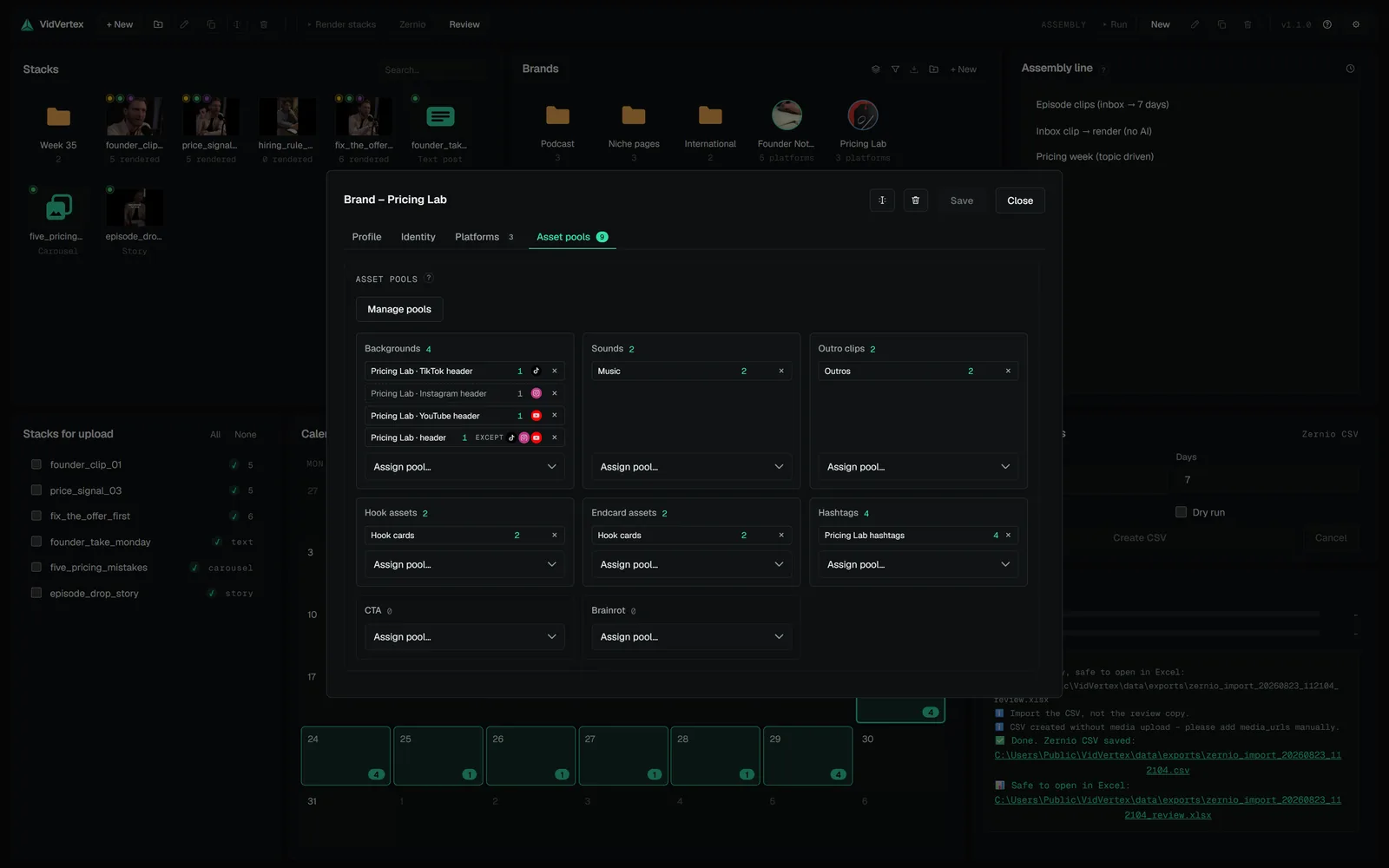
Result: filler stops being an editing step at all. You maintain a folder; the pipeline does the rest.
 THE CRAFT · 4 MINEvery post format, every platform — and what a video pipeline covers"Posting content" means five different things depending on the app: feed videos, stories, carousels, text posts, lives. Here's the format map, the platform-by-platform table, and which of them batch production reaches.FINDING CONTENT · 3 MINThe full pipeline: from finding content to republishingEvery serious content operation runs the same seven stages — most people just run them by accident, in the wrong order, in one exhausting sitting. Here's the whole pipeline, named and wired.