The Metricool bulk CSV format, explained
Metricool's bulk import turns a CSV into scheduled posts — one row, one post. It's the fastest way to load a week of content, and it has a habit the docs don't mention: rows it doesn't like are dropped silently. Here are the columns that matter, the enums that are valid, and the two silent row-killers we found by importing hundreds of real posts.
Metricool's planner can import a CSV and create one scheduled post per row. The import flow hands you a template file to start from — roughly ninety columns wide, of which a typical video post uses about a dozen. Everything below comes from generating and importing these files in production, not from reading the template's headers and guessing.
The columns every row needs
| Column | What goes in |
|---|---|
Text |
The caption. Free text, hashtags included. |
Date |
YYYY-MM-DD (e.g. 2026-09-01). |
Time |
HH:MM:SS (e.g. 17:40:00). Local to the brand's planner timezone. |
Draft |
false to schedule for real, true to import as drafts. |
| One network column | TRUE in the column of the target network: Instagram, TikTok, Youtube, Facebook, Twitter/X, Pinterest, Threads, Bluesky, LinkedIn, GBP. |
Picture Url 1 |
The media as a public URL — videos too, despite the column name. |
Brand name |
Which Metricool brand the row belongs to — see below, this one bites. |
Useful extras: Picture Url 2–10 for carousel slides, First Comment Text
for a first comment (one shared column for all networks the row targets),
Video Thumbnail Url for a cover image as a public JPG URL. Media URLs are
fetched by Metricool's servers at import time, so they must be reachable
without a login — a Google Drive share link set to "anyone with the link"
works (how to set that up in bulk).
You can tick several network columns on one row — that's one post going to all of them, sharing one text. A pipeline usually writes one row per network instead, so each network gets its own caption, title and post type.
Pictures have to be JPEG or WebP. PNG slides are refused by the same Metricool backend that serves the API, and a refused carousel shows up as an errored post rather than as a bad row.
Silent row-killer #1: Brand name
The import matches this column against your Metricool brand names exactly
and case-sensitively — and a row whose brand Metricool doesn't recognize is
dropped without a word. No error, no warning, just fewer posts in the
planner than rows in your file. If your own system's brand names differ from
Metricool's even slightly (clipfeed_de vs ClipFeed DE), that's every row
of that brand gone.
Two rules follow:
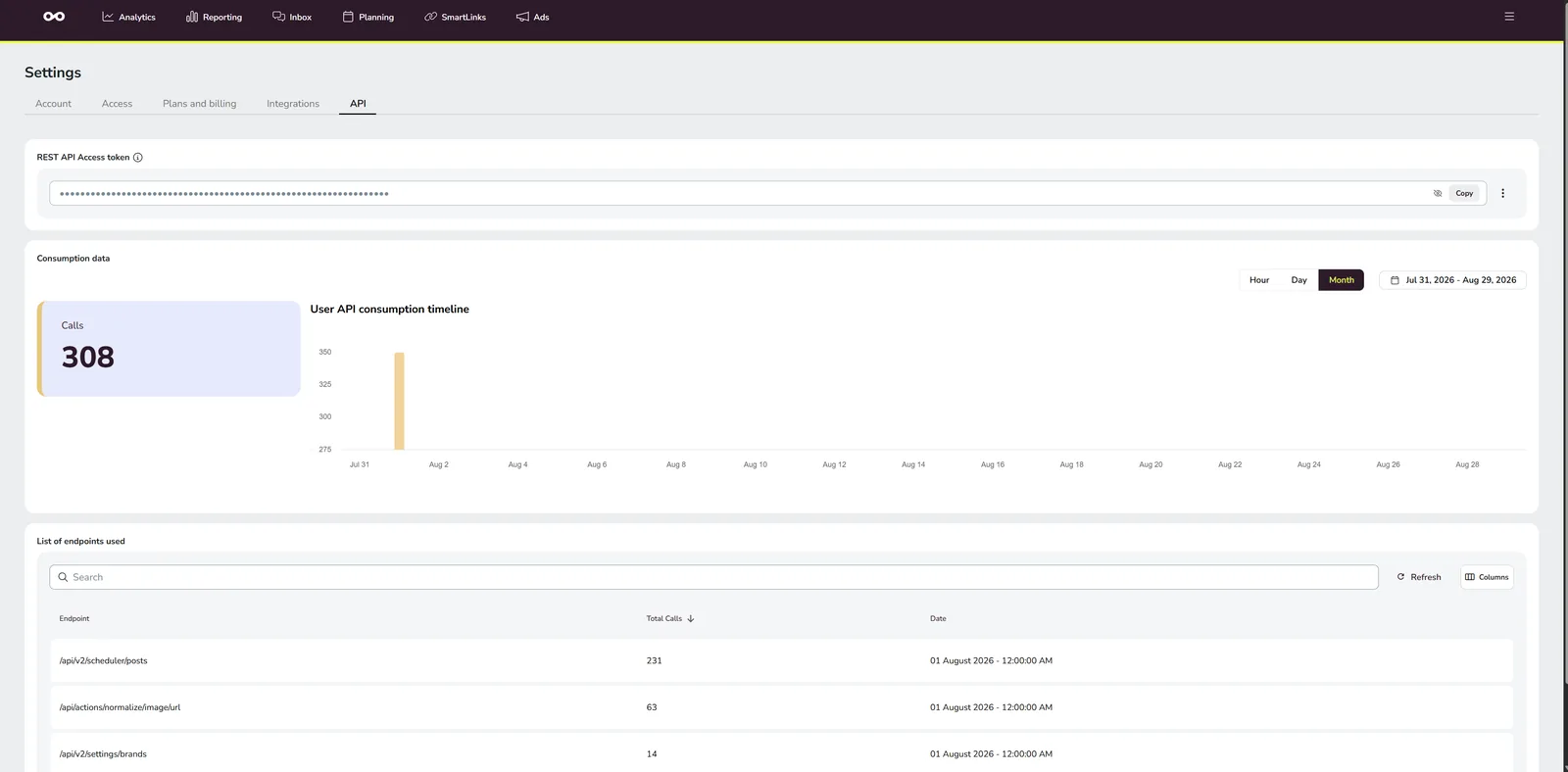
- Resolve the names from Metricool's side before writing the file — the brands endpoint returns every brand with its exact name (where to find your IDs and token).
- An empty
Brand nameis legal: the row imports into whichever brand you currently have open in Metricool. Fine for a single-brand import, dangerous for a multi-brand file.
Ten rows, one matching brand name: nine posts gone, no error message anywhere. Always count rows in the file against posts in the planner, after every import.
Silent row-killer #2: YouTube without a category
YouTube rows whose Youtube Video Category is empty get dropped the same
silent way. The valid values are an enum, not free text:
FILM_ANIMATION, AUTOS_VEHICLES, MUSIC, PETS_ANIMALS, SPORTS,
TRAVEL_EVENTS, GAMING, PEOPLE_BLOGS, COMEDY, ENTERTAINMENT,
NEWS_POLITICS, HOWTO_STYLE, EDUCATION, SCIENCE_TECHNOLOGY,
NONPROFITS_ACTIVISM
PEOPLE_BLOGS is the safe default when nothing fits better.
YouTube rows also want Youtube Video Title, Youtube Video Type (SHORT
for vertical video), Youtube Video Privacy (PUBLIC) and
Youtube video for kids (false).
The per-network type columns
The rows that need more than a checkbox:
- Instagram —
Instagram Post Type:REELfor video,POSTfor a carousel,STORYfor a story. For Reels,Instagram Show Reel On Feedtrueputs it on the grid as well. - Facebook —
Facebook Post Type:REELfor vertical video (withFacebook Titleas the Reel's own title),STORYfor stories; empty means a regular feed post. - TikTok —
TikTok Post Privacy:PUBLIC_TO_EVERYONE; plusTikTok Auto Add Music(falseunless you want TikTok to lay music over your finished audio) and theTikTok disable comments/duet/stitchswitches. - Pinterest — wants a
Pinterest Board; a pin without a board has nowhere to land.
There is no Snapchat column. Metricool has no Snapchat network, so a Snapchat post can't ride in this file at all — that leg needs a different route.
The Excel trap
Don't open the import CSV in Excel, "fix" something and
re-save. A cell that starts with =, +, - or @ is a formula to
Excel — and real captions legitimately start that way (@mention, -50%),
with no way to quote yourself out of it, because the cell content is the
posted text. Excel's re-save also reformats dates and encodings, and the
import is picky about both (YYYY-MM-DD, UTF-8).
If you need eyes on the data before importing, review a copy with every cell forced to text and keep the CSV itself byte-untouched. Fix problems in whatever generated the file, then regenerate.
Where VidVertex fits
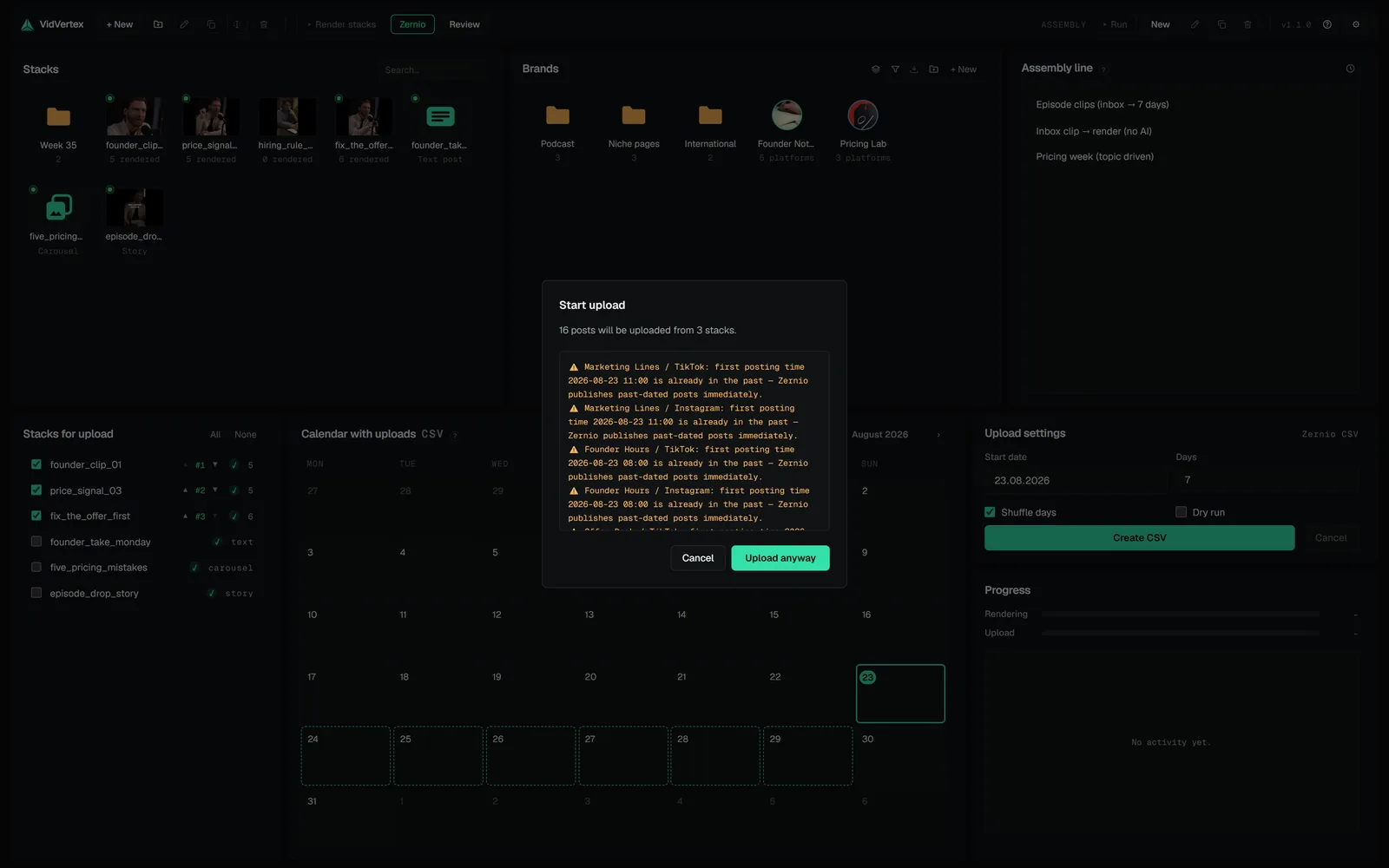
VidVertex's Metricool (Drive + CSV) upload mode writes this exact file for you at the end of an upload run — one row per rendered brand-and-platform variant, next to the media it uploaded to your Google Drive. (The other Metricool route, Metricool API, skips the file and schedules the posts directly; both are in upload modes.)
The two row-killers are handled at the source: Brand name is resolved
against your Metricool account via each brand's blog ID, and YouTube rows
always carry a category (set per brand, PEOPLE_BLOGS by default). Pictures
are converted to JPEG before they go up. And because of the Excel trap, every
export comes with a review twin — an .xlsx with all cells forced to text
that is safe to open, while the CSV itself stays byte-untouched for the
import.
Uploads spread over several runs — an abort, a retry, a few stragglers — each write their own CSV. "Rebuild import CSV from history" puts them back into one importable file without re-uploading anything.
 TOOL GUIDES · 3 MINHow to find your Metricool user ID, blog ID and API tokenMetricool's API needs three values — an API token, your user ID and a blog ID per brand — and only one of them sits behind a labeled button. The user ID lives in your browser's address bar. Here's where each one is, in about two minutes.
 TOOL GUIDES · 7 MINHow to use the Metricool API: auth, scheduling posts, and the trapsMetricool has a real, working API for scheduling posts — and almost no documentation for it: one PDF and a help article that says to read IDs out of your browser's URL. We wired a desktop app to it, so here is the missing manual: the auth model, the scheduler payload that actually works, the media rule nobody tells you about, and the error that cost us two days.TOOL GUIDES · 5 MINGoogle Drive as a media host: bulk uploads with public linksSchedulers like Metricool take media only as URLs — someone has to host the files. Google Drive does it free, in bulk, with storage you already have. The whole trick is one permission and one link format; here's the hand version, the scripted version, and the mistakes that end in a login page instead of a video.