On-platform captions that get saves
The caption under a video is the most skipped field in short-form and one of the few that changes a number the feeds care about: saves. Here's what a caption is for on each platform, a structure that works, and what to stop putting in it.
Platform behavior referenced here was checked against the platforms' own help pages in August 2026.
Two different things are called "captions": the words burned into the video (the subtitles, covered in captions & retention) and the text posted with the video — title, description, the thing under the clip. This guide is about the second one.
What the on-platform caption does
- Tells the platform what the video is. The systems that pick the first test group read it. A caption that names the topic gets tested on the right people; three emojis get tested on random ones (stuck at 200–300).
- Feeds search. TikTok search, YouTube search, Pinterest entirely. Keywords in the caption and title are how old videos keep being found (YouTube Shorts, Pinterest).
- Earns the save. People save what they'll want again: a list, a recipe, a resource, a reference. The caption is where that lives — the video demonstrates, the caption makes it keepable.
- Starts the comment section. A question in the caption is the cheapest way to get the first replies (views but zero engagement).
What a caption cannot do is make a weak video work. Captions are multipliers, and a multiplier needs something to multiply.
A structure that works
- First line = the point. It's the only line visible before "more". Make it the claim or the payoff, not "so today…". On platforms with a title field (YouTube, Pinterest) this is the title.
- The keepable part. The list the video raced through, the steps, the source, the numbers, the link target. This is what gets saved.
- One question or instruction. "Which one do you use?" / "Save this for the next time you…"
- Tags, few. Two or three that name the niche; no walls (hashtags).
That's four parts and about as long as it needs to be. Instagram and TikTok take long captions; X and Bluesky cut hard (X, Bluesky), so line 1 carries the post on its own everywhere — everything below the fold is a bonus for the people who tapped "more".
Per platform, briefly
| Platform | What the caption has to do |
|---|---|
| TikTok | Topic in the first line, keepable list below, two tags |
| The same, plus a line that invites a send ("send this to the person who…") — Instagram has said sends weigh heavily | |
| YouTube Shorts | The title is the caption that matters; the description carries keywords. Never leave the title empty |
| X, Threads, Bluesky | The caption is the post: a claim or a question, with the video as evidence |
| Title like a search query, description like an answer, link filled in | |
| Conversational, and a reason to share |
Writing them at volume
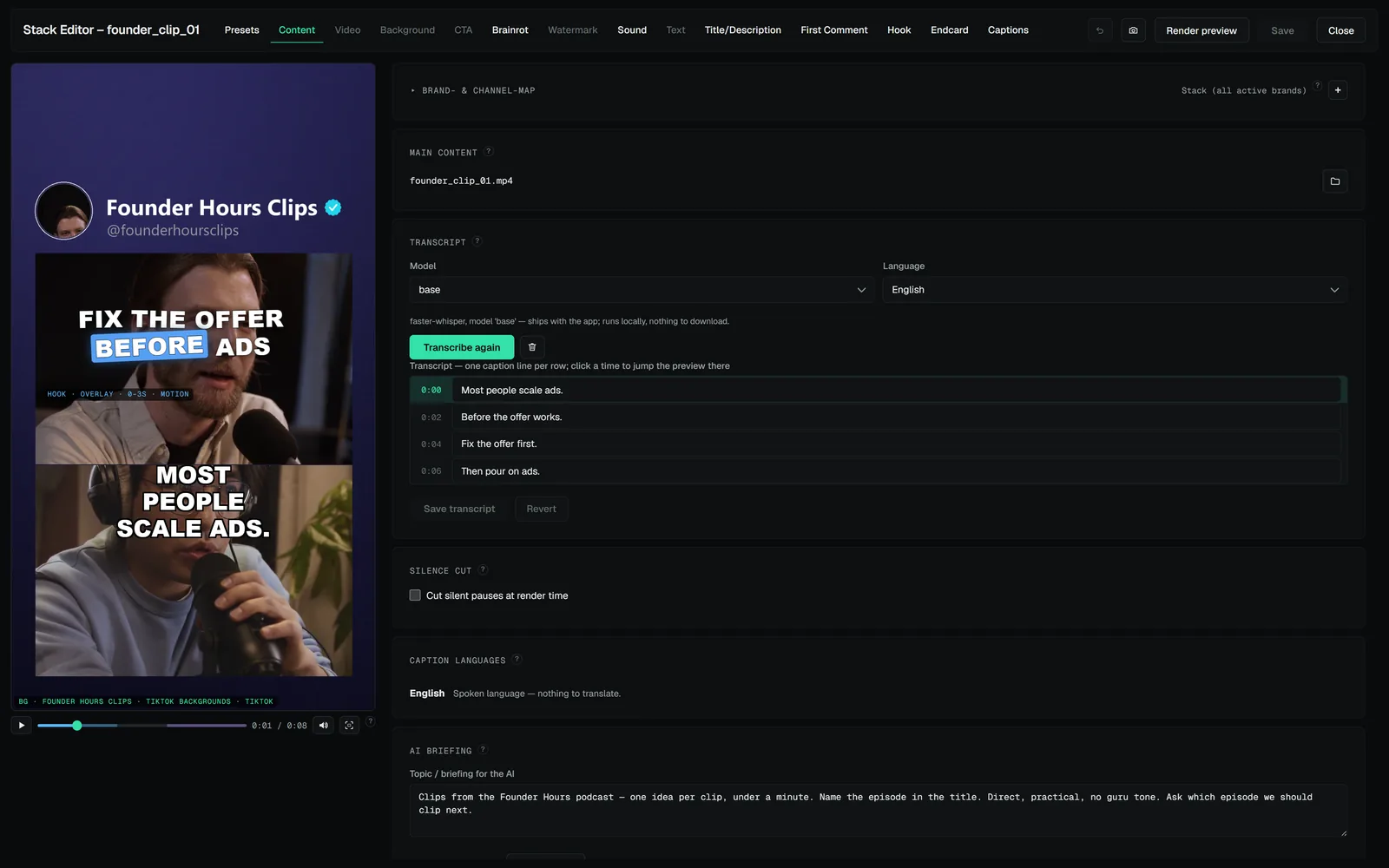
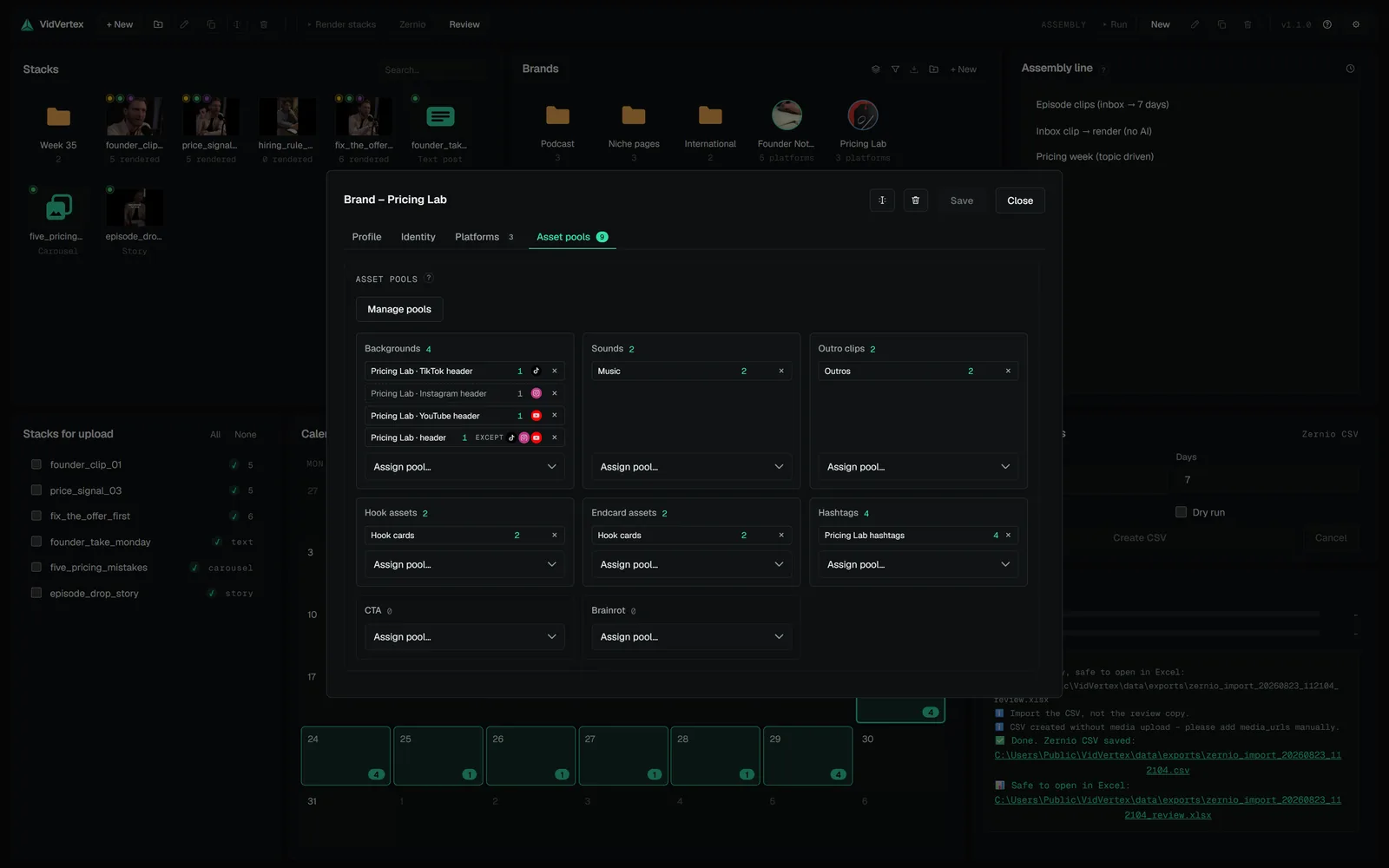
At one video a day, captions are ten minutes. At ten pages, they're the task that gets skipped — and "same caption everywhere" is both a reach problem and a duplicate signal (duplicate content). The way out is per-brand, per-platform text generated from one briefing and reviewed once: VidVertex writes the title/description, first comment and hook lines per brand and language from the stack's briefing (or from the clip itself) and keeps the platform rules — description-only platforms, YouTube title length — in the prompt (post texts, AI setup). By hand, a spreadsheet with one column per platform does the same job more slowly. Either way: write the keepable part once, vary the first line per page.
Stop putting in the caption
Five things that cost distribution — hashtag walls (a spam signal and a zero-information caption), "link in bio" with no reason to go there, engagement bait the platforms name ("like if you agree", "comment 1 for part 2" — Meta lists it as reduced-distribution behaviour), the full script instead of the list, and another platform's handle or watermark text.
A caption is the part of the post people read when the video made them curious. Give them something to keep.
 THE CRAFT · 3 MINWhy burned-in captions lift retentionA huge share of feed scrolling happens with the sound off. Captions aren't decoration — they're the sound-off version of your video.
 THE CRAFT · 3 MINHashtags in 2026: what they still do, and where they goHashtags went from growth hack to metadata. They still matter — just not the way the 30-hashtag-block era pretended. Including the eternal question: on YouTube Shorts, do they go in the title or the description?
 ACCOUNTS & GROWTH · 3 MINThe comment section as a growth leverComments are the one part of a post that keeps working after the video ends — for the viewer deciding whether to follow, for the platform reading engagement, and for you reading what to make next. Here's how to start a section, use the first and pinned comment, and keep it alive without living in it.