How to use the Zernio API: media uploads, scheduling, and the defaults that bite
Zernio is the rare social-scheduling API where one key really does cover every network — connect the accounts once, then it's three HTTP calls from a video file to a scheduled post. Its docs are decent; what they can't give you is the integrator's view. This is that view, from a production integration posting through it daily: the full flow, and the defaults that quietly do the wrong thing.
The shape of the API: your profiles are brand containers, each holding
the accounts connected to it (a TikTok login, an Instagram login, …).
Posting needs an accountId; everything authenticates with one Bearer key:
Authorization: Bearer sk_your_key_here
against the base URL https://zernio.com/api/v1. Everything below is three
steps: find your account IDs, upload the media, create the post.
Step 1: profiles and accounts
GET /profiles lists your profiles. For the accounts inside one, use the
query-parameter form:
GET /accounts?profileId=PROFILE_ID
The nested-looking route (/profiles/{id}/accounts) can answer
200 with an HTML page — the web app's catch-all swallows it — which a
naive client parses as an empty result and mistakes for "no accounts
connected". Stick to /accounts?profileId=, and treat a non-JSON 200 as a
wrong route, not an empty answer.
The accountId values you collect here are what every post references.
Step 2: upload the media
Media goes up in a presign pair — ask for an upload slot, then PUT the bytes:
POST /media/presign
{ "filename": "clip.mp4", "contentType": "video/mp4", "size": 52428800 }
The response carries an uploadUrl and a publicUrl. PUT the file's raw
bytes to uploadUrl with the same Content-Type header; when that
succeeds, publicUrl is your media reference for the post.
Send the real byte size, and if you retry a failed PUT, re-open the file so the retry sends it from the start — a resumed half-stream corrupts the upload.
Step 3: create the post
POST /posts
{
  "content": "Your caption #withhashtags",
  "platforms": [
    {
      "platform": "instagram",
      "accountId": "ACCOUNT_ID",
      "platformSpecificData": { "thumbOffset": 3000 }
    }
  ],
  "mediaItems": [ { "url": "https://…/clip.mp4", "type": "video" } ],
  "scheduledFor": "2026-09-01T18:30:00",
  "timezone": "Europe/Berlin",
  "profileId": "PROFILE_ID"
}
scheduledForis a local wall-clock ISO timestamp;timezonenames the IANA zone it's local to.- Instead of scheduling:
"publishNow": trueposts immediately,"isDraft": trueparks it as a draft. - One
platformsentry per target network; each entry carries its ownplatformSpecificData.
The default that bites hardest: a past-dated scheduledFor
doesn't error — it publishes immediately. Compute your times wrong
(yesterday's date, a timezone slip) and the whole batch is live within
minutes instead of spread over a week. Validate "is this in the future, in
that timezone?" before every create; the API won't do it for you.
The platformSpecificData that matters
This is where the silent defaults live. Field-verified against the platforms we post to:
| Platform | Field | Why you need it |
|---|---|---|
| Snapchat | contentType: "spotlight" |
The default is "story" — an unlabeled video post runs as a 24-hour story and vanishes, instead of landing in the public Spotlight feed. "saved_story" also exists (45-char title). |
contentType: "reel" (+ own title) |
Omitted means feed post. The Reels tab, Reels ranking and the separate Reel title all hang on the explicit type. | |
thumbOffset (ms) |
Cover frame, picked as a timestamp into the uploaded video — no thumbnail hosting involved. | |
| TikTok | video_cover_timestamp_ms (ms) |
Same idea, TikTok's field name. |
| YouTube | title |
The Short's own title. The request's top-level title is display-only; this is the one that ships. Custom thumbnails don't apply — Shorts never take them. |
| FB, Instagram, LinkedIn, YouTube, Threads | firstComment |
The first comment, same field name on every network that has one. TikTok has no such field. |
firstComment is the API's name for it. The bulk CSV's column
names (instagram_first_comment, youtube_pinned_comment, …) look like
they should work here and don't — the field is simply ignored, and the post
goes out without its comment.
The other half of "handled per platform" is the limits each one enforces itself:
Snapchat Spotlight takes 5–60 s video, one media item per post, needs a Snapchat Public Profile on the connected account, and shows 160 characters of description including hashtags. Facebook Reels take 3–60 s. Send a longer clip and the platform, not Zernio, is what rejects it — so check duration before upload, not after.
Reading posts back
GET /posts?status=scheduled&dateFrom=2026-09-01&dateTo=2026-09-30
    &page=1&limit=100&sortBy=scheduled-asc
Paginated, dates zero-padded YYYY-MM-DD. Published posts stay listable — you
can build a calendar that shows the past, not just the queue.
Three small edges. limit maxes at 500, and a larger value returns
a 400 instead of being clamped. A created post's id is post._id in the
response body, not something to parse out of a URL. And a 201 can carry a
warnings array — ignored fields, truncated media — which is the only place
the API says that something you sent was quietly dropped.
Retry rules
Same discipline as any scheduler API: reads and media uploads are safe to retry on network errors and transient statuses (408, 429, 5xx).
POST /posts is not. Retry it only when the connection failed
outright and the request provably never left — a blind retry on a lost
response schedules the same post twice.
Where VidVertex fits
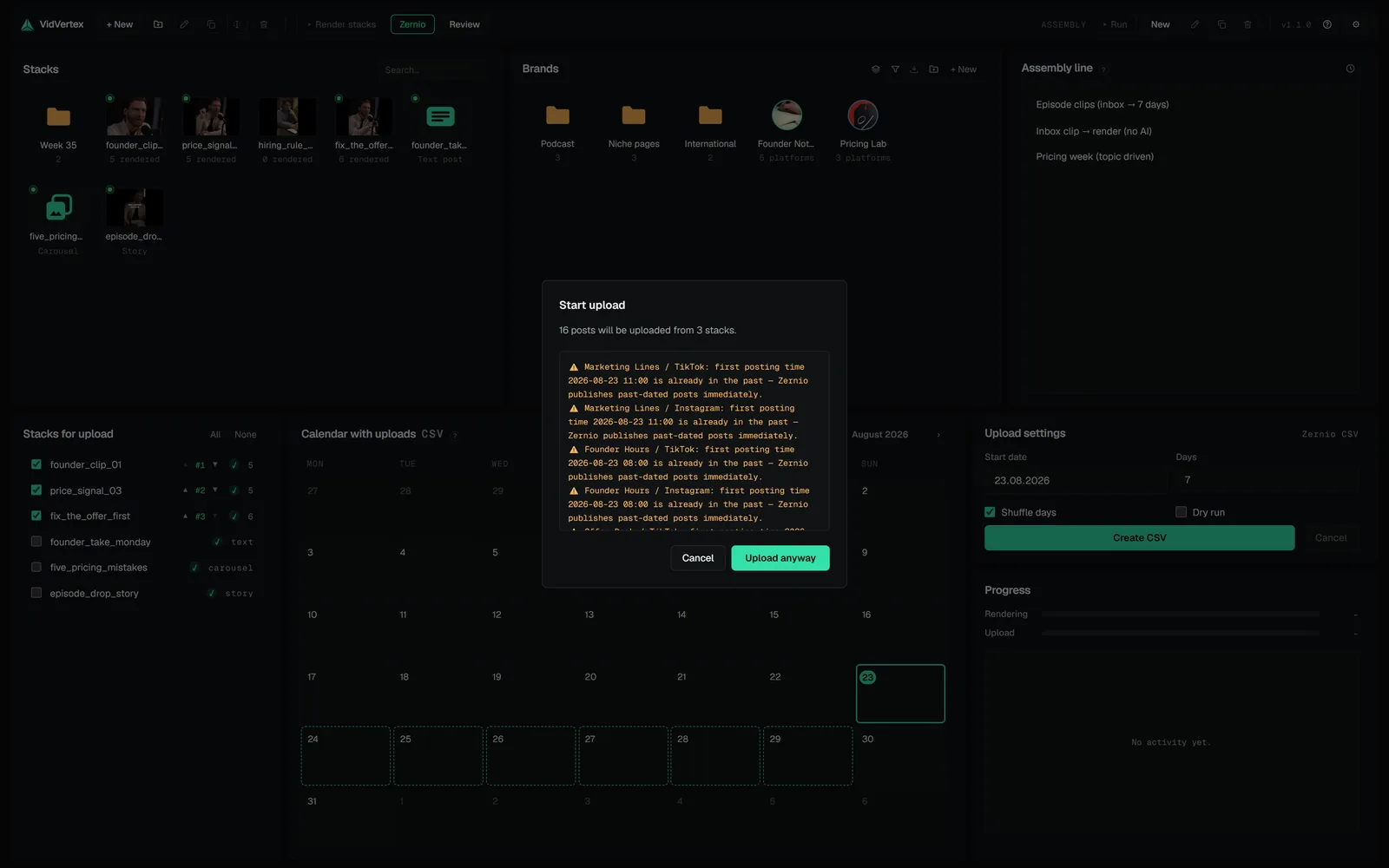
This API is one of VidVertex's two direct publishing paths (the other is the
Metricool API; each also has a CSV route — all four are in
upload modes). Paste one Zernio API key in
Settings → Upload settings, point each brand at its Zernio profile, and
every upload run does the whole flow above per rendered variant: presign
upload, per-platform platformSpecificData (Spotlight instead of story, Reel
instead of feed video, cover frames as timestamps, the first comment where the
network has one), scheduled into each brand's own posting slots.
Pre-flight turns the rest of this page into a summary you read before the run: posts planned, clips too long or too short for their platform, combinations this stack already posted. Warnings only — nothing goes out unannounced.
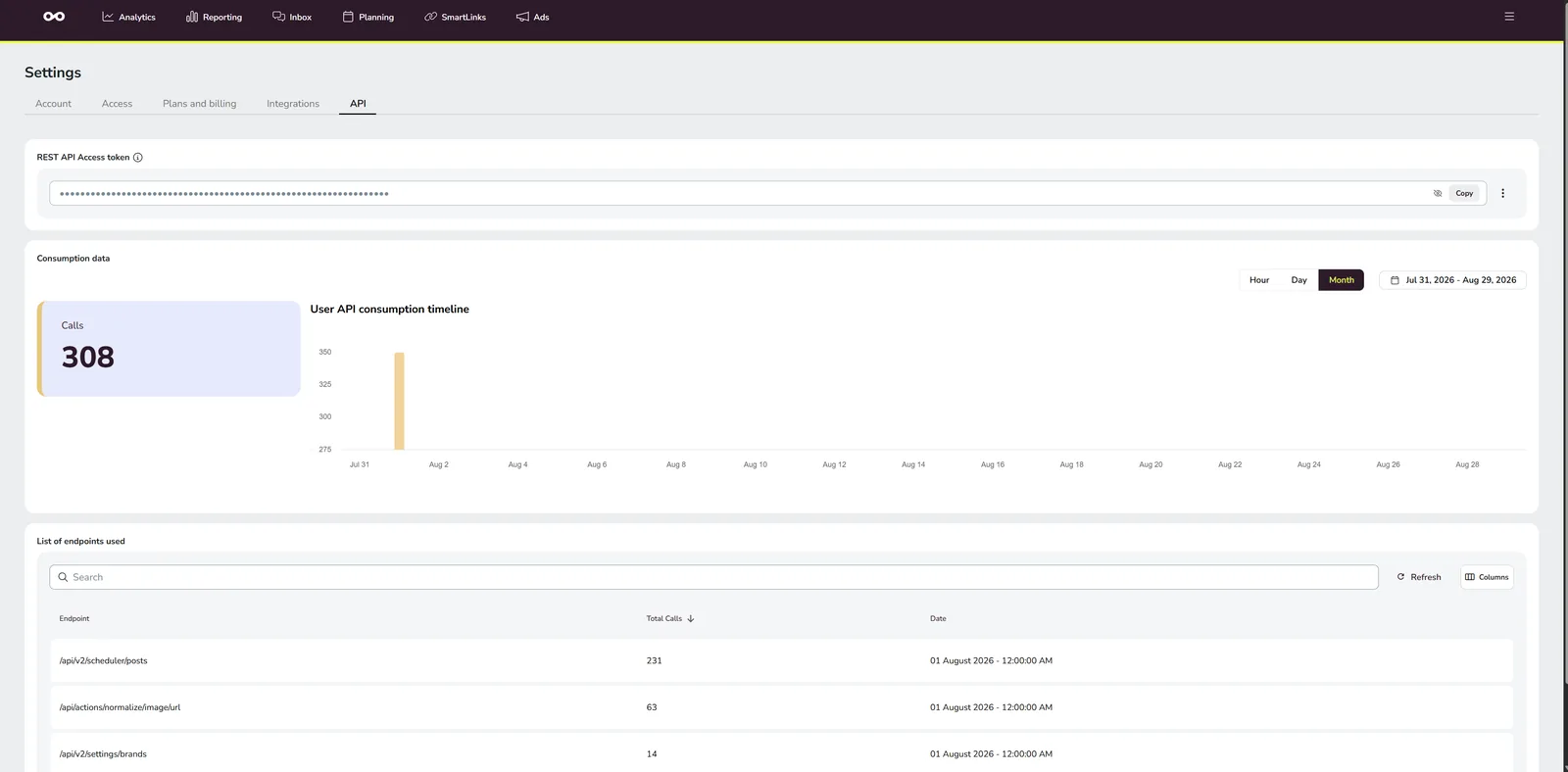 TOOL GUIDES · 7 MINHow to use the Metricool API: auth, scheduling posts, and the trapsMetricool has a real, working API for scheduling posts — and almost no documentation for it: one PDF and a help article that says to read IDs out of your browser's URL. We wired a desktop app to it, so here is the missing manual: the auth model, the scheduler payload that actually works, the media rule nobody tells you about, and the error that cost us two days.
 PLATFORMS · 4 MINSnapchat Spotlight: post types, limits, discovery and how to postSpotlight is Snapchat's short-form feed — younger audience, less competition from professional pages, and one hard requirement most tools don't mention: you need a Public Profile before anything can be scheduled there. Here's the setup, the limits and how reach works.